Windows 11: what changes on your PC on October 13?
You know that key, to the right of the space bar, with the little multicolored logo? Since early 2024, laptop manufacturers have stuck it exactly where the right Ctrl key used to be. Result: you wanted to use a shortcut, and bam, a Copilot window opens. Yesterday I was telling you that Microsoft is shelving its consumer Copilot. The assistant is going away, the key is staying. And good news, it will finally be able to become what it used to be again!
It's in the Windows 11 update published on September 22, and it's starting to arrive for everyone on Tuesday, October 13. Something else, much less funny, is also happening that day, and it may concern your PC. Let's take a look.
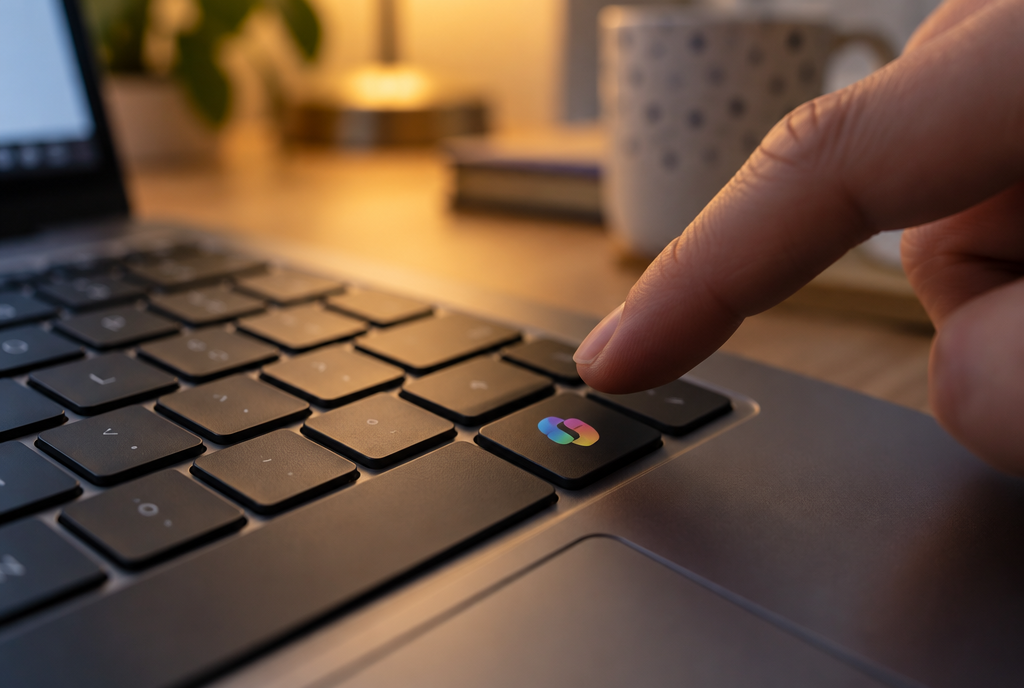
Two years of opening Copilot while trying to copy and paste
The Copilot key becomes a useful key again
Microsoft admits it itself in its update notes: people who used the right Ctrl key or the “menu” key (the one that does the equivalent of a right-click with the keyboard) had “some difficulties”. Translation: broken shortcuts, and for people who operate their PC with the keyboard because of a disability, a real nightmare.
From now on, in Settings, under Bluetooth & devices, on the keyboard page, you can tell Windows that the Copilot key should act as the right Ctrl key, or as the menu key. You press it, and no window pops up anymore. Finally.
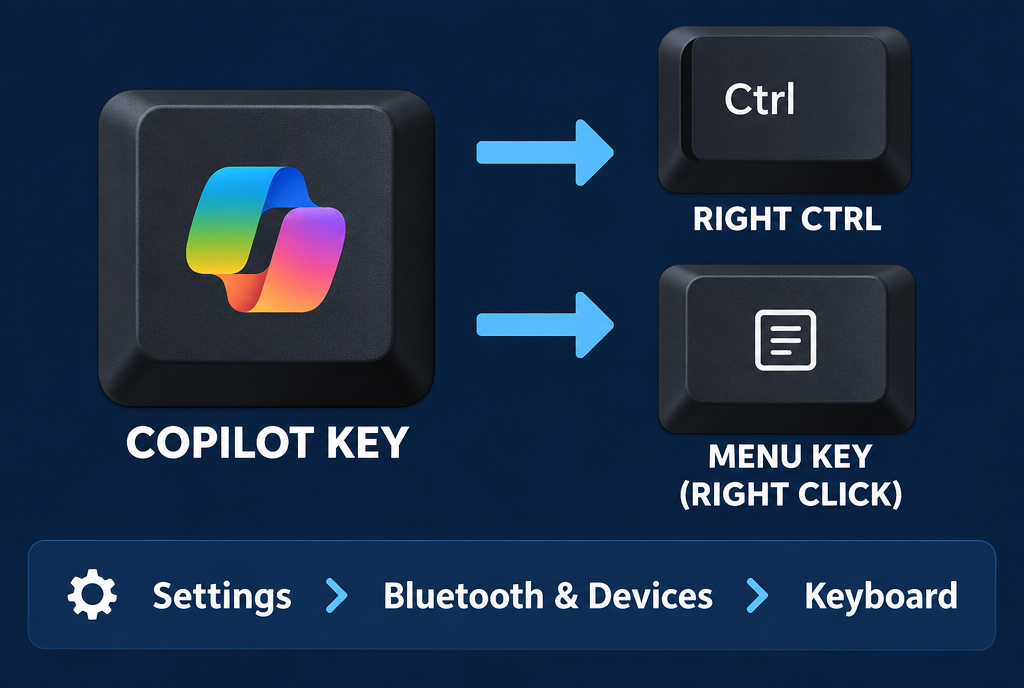
Your key gets its old job back
Two small caveats, written by Microsoft. If you turn it into the right Ctrl key, the Ctrl right plus Windows key and Ctrl right plus Shift combinations will not work as usual: use the left Ctrl key for those. And if your manufacturer (Lenovo, Dell, HP...) already provides its own little software for changing this key, use one or the other, never both at the same time, otherwise they will fight.
The taskbar moves again, five years later
This is the gift from the September 8 security update, the one that broke Remote Desktop for some people. Among the fixes, Microsoft slipped in three new features that we had been asking for since Windows 11 came out in 2021.
- The taskbar can once again be placed at the top, on the left or on the right of the screen, as it could under Windows 10. You can set this in Settings, Personalization, Taskbar, under “Taskbar behaviors”. There is also a more compact version, for small screens.
- The Start menu can finally shrink. In Settings, Personalization, Start, you choose between automatic, small and large. The old one took up nearly nine-tenths of the height of a laptop screen, so you can guess which one I recommend.
- Search can do without Bing. In Settings, Privacy & security, under Search, you turn off results from the Web and suggestions from the Microsoft Store. Only what's on your PC remains, and as a result, it's almost instant.
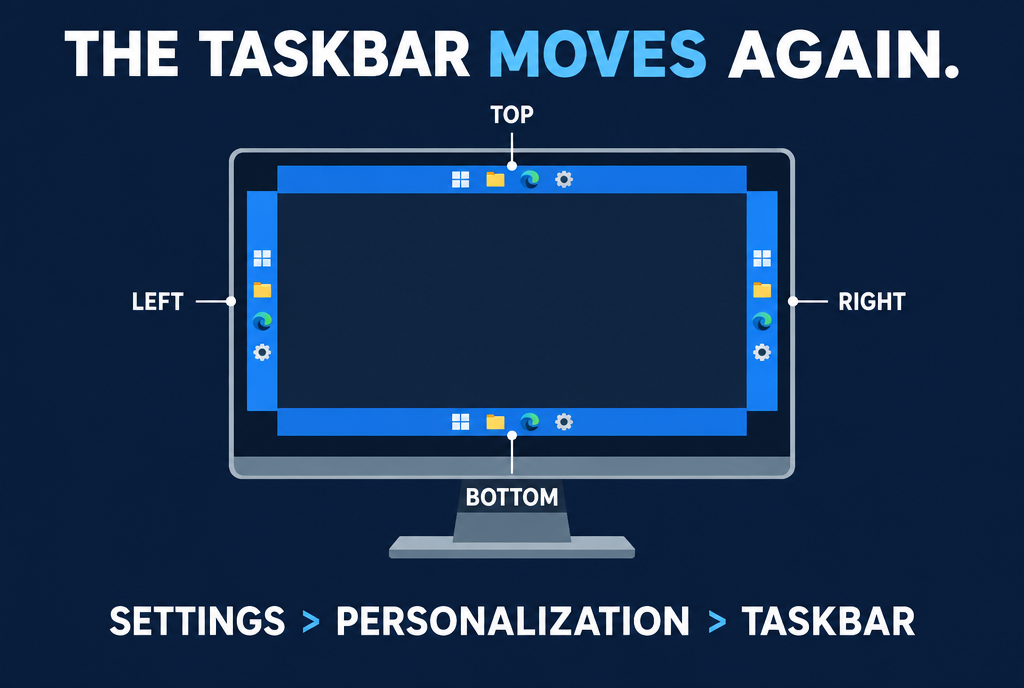
Five years to earn the right to push a bar to the side, progress never stops
Careful, a small subtlety: these new features are arriving drop by drop. You can have the update installed and see absolutely nothing, because Microsoft turns the feature on machine by machine, over days or weeks. If you can't find the option, it's not you who's lost, it's just not your turn yet. And when the bar is somewhere other than the bottom, some things still don't follow, such as auto-hide or the compact version.
On October 13, check your Windows version
Now for the less funny part. Windows 11 exists in several “versions”, one for each major annual update. 24H2, released in fall 2024, reaches end of life on October 13 for the Home and Pro editions. After that date, no more security patches. The PC will keep booting and working, but every new vulnerability discovered will remain open on your machine. And no extension is possible, even if you pay.
To find out where you stand, press Windows + R, type winver and press Enter: a small window displays the version. If you see 24H2, go to Settings, Windows Update, and install 25H2 when it is offered to you. Don't worry, it's not a three-hour reinstall: the two versions share the same foundation, and the update is a small download followed by a restart. 25H2 is then supported until October 12, 2027.
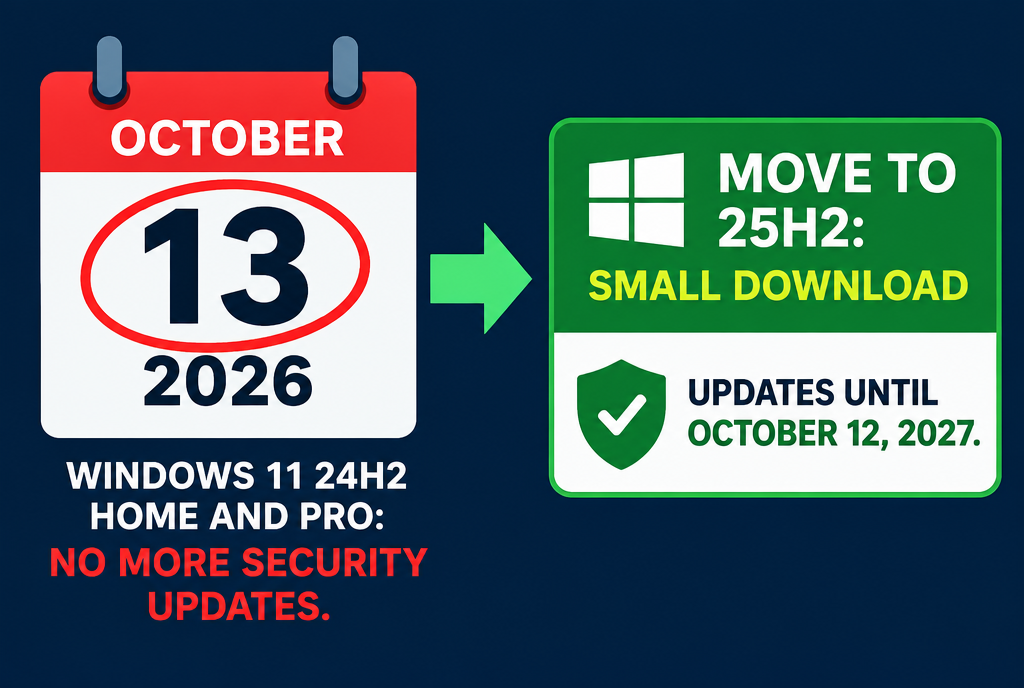
A date to circle in red, and a five-minute restart to cross it off
Most home PCs will move to 25H2 all by themselves, Microsoft does it automatically. The ones that risk getting stuck are computers managed by a company, or ones where someone paused the updates one day and forgot. The old laptop in the attic that your mother-in-law uses for her emails, for example!
Do I need to install all this right away?
The September 22 update, the one for the Copilot key, is an optional “preview”: you only get it if you go looking for it in Windows Update. It also brings the new emojis and an accessibility setting that automatically enlarges windows when they open. But it has a known bug: some USB audio devices, small external sound cards in general, may refuse to work. Microsoft even warns that this flaw will still be there in the October 13 version.
My advice, if you use your PC for work: calmly wait until October 13, the update will come by itself. On the other hand, moving to 25H2 is not up for discussion. Don't leave your Windows without patches just to keep a taskbar at the bottom!
Personally, I find it pretty amusing that Microsoft lets you turn its Copilot key into a Ctrl key the very week it abandons its Copilot for home. Millions of keyboards will keep that little logo for years. It will be the only memory of Copilot at home, and no one will know what it was for anymore...
Sources
- BleepingComputer: the optional KB5124010 update of September 22, 2026
- Windows Latest, September 12, 2026: the Copilot key becomes the right Ctrl key or Menu key
- Windows Latest, September 8, 2026: taskbar, Start menu and search without Bing tested
- gHacks, September 18, 2026: end of updates for Windows 11 24H2 Home and Pro on October 13
- BleepingComputer: Windows 11 24H2 Home and Pro reaching end of support in October
Article written with the help of Claude Code, reread and corrected by me.
Join the conversation
You need an account to comment on this article. Creating one is free and takes under a minute.
No comments yet.