One hour of audio transcribed for 10 cents: where's the catch?
One hour of audio transcribed for 10 cents: where's the catch?
Microsoft released a new transcription model on Wednesday, MAI-Transcribe-2. You give it a recording, it gives you back the text.
The advertised price: 10 cents per hour of audio.
Take a second to picture what that means. The eighty hours of meetings you recorded this year and never listened to again: 8 dollars. Your grandmother's tapes that your mother has been asking you for since three Christmases ago: the price of a coffee. An entire podcast season: less than a sandwich.
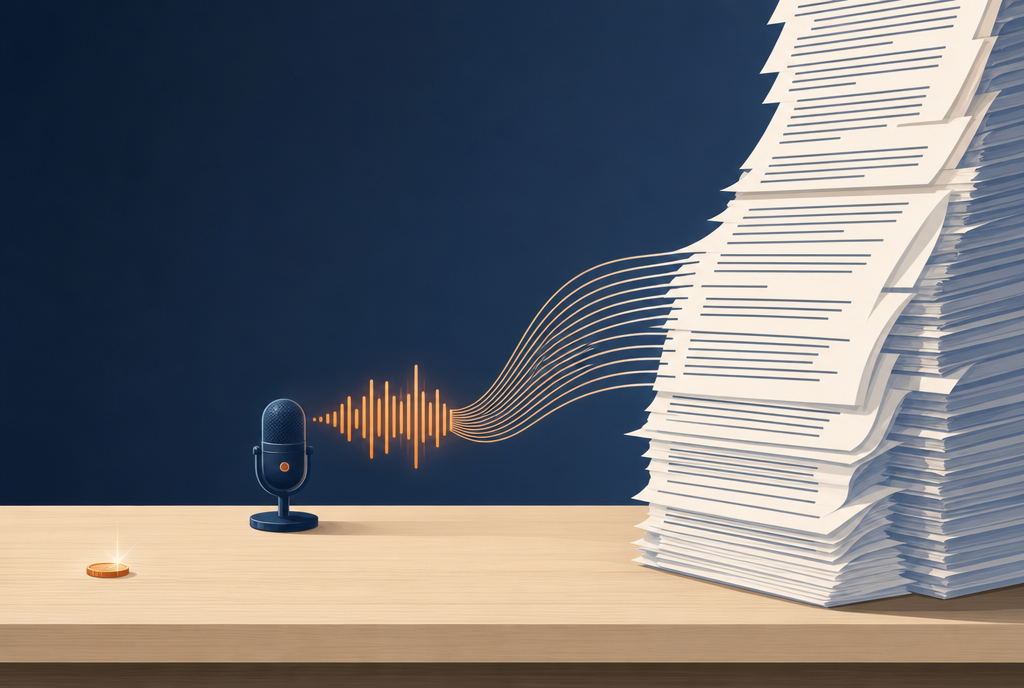
A ten-cent coin on one side. On the other, everything it pays for now.
First, what those 10 cents replace
The previous generation of the same model came out at 36 cents per hour. So we're dropping to less than a third of the price in one generation, which, even in this line of work where everything is tumbling, is noticeable.
But the real comparison isn't that one. The real comparison is what it used to cost to have someone type up a recording: count on several dozen euros per hour, and a wait of a few days. We've gone from “it's a budget item, we'll think about it” to “I'll start it and go get some bread”.
And that's what changes everything, more than the technology. An expense that falls below the threshold where you ask yourself the question is no longer an expense, it's a habit. Nobody thinks before turning on a lamp.
5.2%, is that good or is it useless?
The figure everyone cites in this field is called the word error rate. You have the model read a recording whose exact transcript is known, you compare them, and you count the words it got wrong, added or invented. The lower it is, the better.
MAI-Transcribe-2 reports 5.2% on average across sixty languages, on a benchmark called FLEURS, and it comes first.
Concretely, 5.2% is one wrong word out of twenty. In a twenty-word sentence, one of them is off. That's very respectable, and it's still far from perfect: you don't publish that without proofreading it. On the other hand, to find a passage in three hours of recording, or to get an idea of what was said in a meeting, it's more than enough.
A small note in the interest of honesty, because Microsoft doesn't highlight it: in the independent ranking from Artificial Analysis, which measures the same thing on its own, the model comes second and not first. First at home, second with the referee. That's still a very good position.
Speed, that's where it gets funny
Microsoft claims it's up to ten times faster than OpenAI's transcription model, seven times faster than ElevenLabs' and five times faster than Google's.
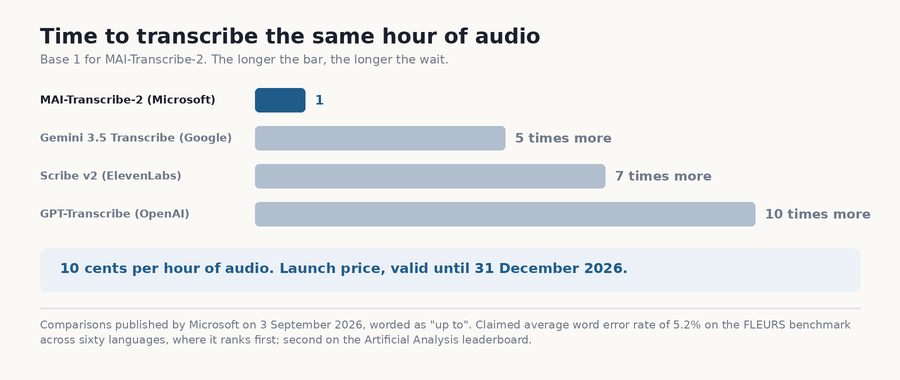
Same hour of recording, four queues. Guess which one Microsoft put on the poster.
For a two-minute file, frankly, you don't care. For a three-hour recording of a meeting, or the forty videos that have been sleeping in a folder since 2019, it's no longer the same thing. What used to take an evening now takes the time it takes to make a coffee.
The two options that really make a difference
The price and the speed are what make the headlines. But two functions added in this version matter more in everyday use.
The first is voice separation: the model doesn't return a block of text, it tells you who's speaking. A meeting with six people becomes a readable dialogue instead of a mush where you no longer know who promised what. If you've ever proofread the automatic minutes of a video call, you know exactly what I'm talking about.
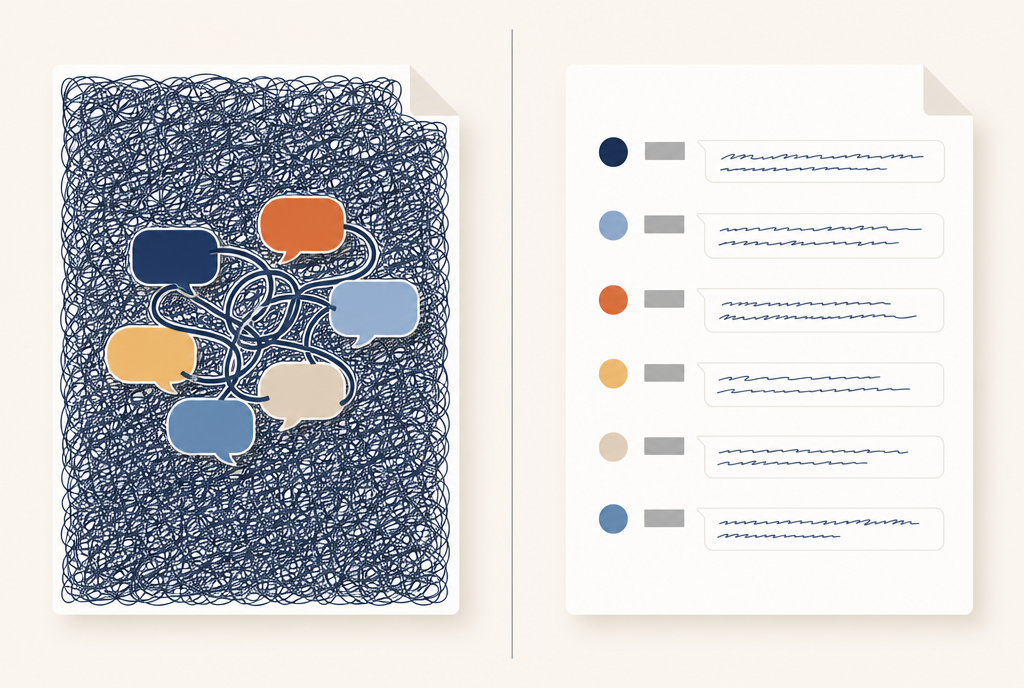
Before: a block of text where six people are talking at the same time. After: we finally know who promised to take care of it.
The second is word-by-word timestamps. The model doesn't just say what was said, it says at which millisecond each word was spoken. It sounds like a technician's detail, and yet it's what separates a subtitle that matches the mouth perfectly from a subtitle that drags a second behind and makes the video painful to watch. For anyone who tinkers with video subtitles, this is the feature that matters.
You can also give it a list of words in advance that it has to recognize, which saves proper names, brands and the vocabulary of a profession, and it manages when someone switches languages halfway through a sentence, which, in Belgium, isn't exactly a textbook case.
Okay, so what's the catch?
There is one, and it's written in black and white in the announcement, provided you scroll far enough down the page.
The 10 cents are an introductory price, valid until December 31, 2026. After that, it will be something else, and Microsoft hasn't said what. So if you build something on top of it, keep in mind that the price you're using to calculate your budget has an expiration date in four months.
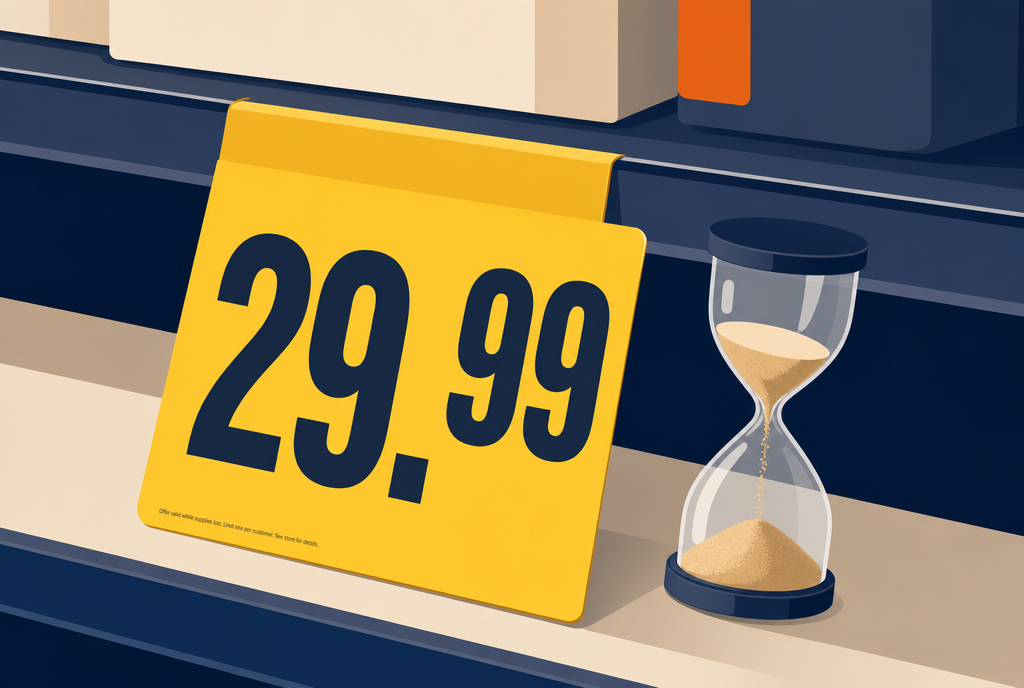
The principle of the promotional label: the price in large print, the end date in tiny print.
Fair enough, I suppose. Everyone does the same thing, and for once the date is announced instead of showing up by surprise in an email on a Tuesday morning.
What I'm doing with it
There are things I've been putting off for years solely because they cost too much time or money. Organizing and finding again what was said in a meeting, for example. Or old family recordings that nobody has ever played again.
At 10 cents an hour, the excuse is gone. And that's exactly what I held against the two transcription models OpenAI had released a month ago: they were good, but not good enough to justify redoing all your plumbing. Here, the question no longer arises in the same way. It's no longer "is it worth migrating", it's "why don't I transcribe everything, all the time, systematically".
I've also created a small free software program that I recommend for transcribing your audio files or movies into SubRip subtitles: it's AiSrt, a command line that uses the Whisper model and costs nothing to transcribe your files.
So, thanks Microsoft, but I'll keep using Whisper locally, which does its job very well for free. For six-person meetings, we'll see if it might interest my boss during his meetings with his minions.
Sources
- Microsoft AI : MAI-Transcribe-2 is the fastest, most accurate and cheapest speech recognition model in the world, September 3, 2026, the original announcement, the 5.2% error rate on FLEURS, the speed comparisons, the new features and the launch pricing until December 31
- VentureBeat : Microsoft AI's MAI-Transcribe-2 undercuts OpenAI, Google and ElevenLabs on price and speed, the price of the previous generation, second place in Artificial Analysis's independent ranking and the temporary nature of the pricing
- Neowin : Microsoft's MAI-Transcribe-2 model beats OpenAI and Google while costing just $0.10 per hour, coverage of the sixty languages and the points of comparison with the competition
Join the conversation
You need an account to comment on this article. Creating one is free and takes under a minute.
No comments yet.