QR Code API: a QR code or a SEPA payment QR in one call
One HTTP call, and you receive an image of a QR code ready to stick on a poster, an invoice or a website. Text, link, Wi-Fi, or even a SEPA transfer that your customer only has to scan with their banking app.
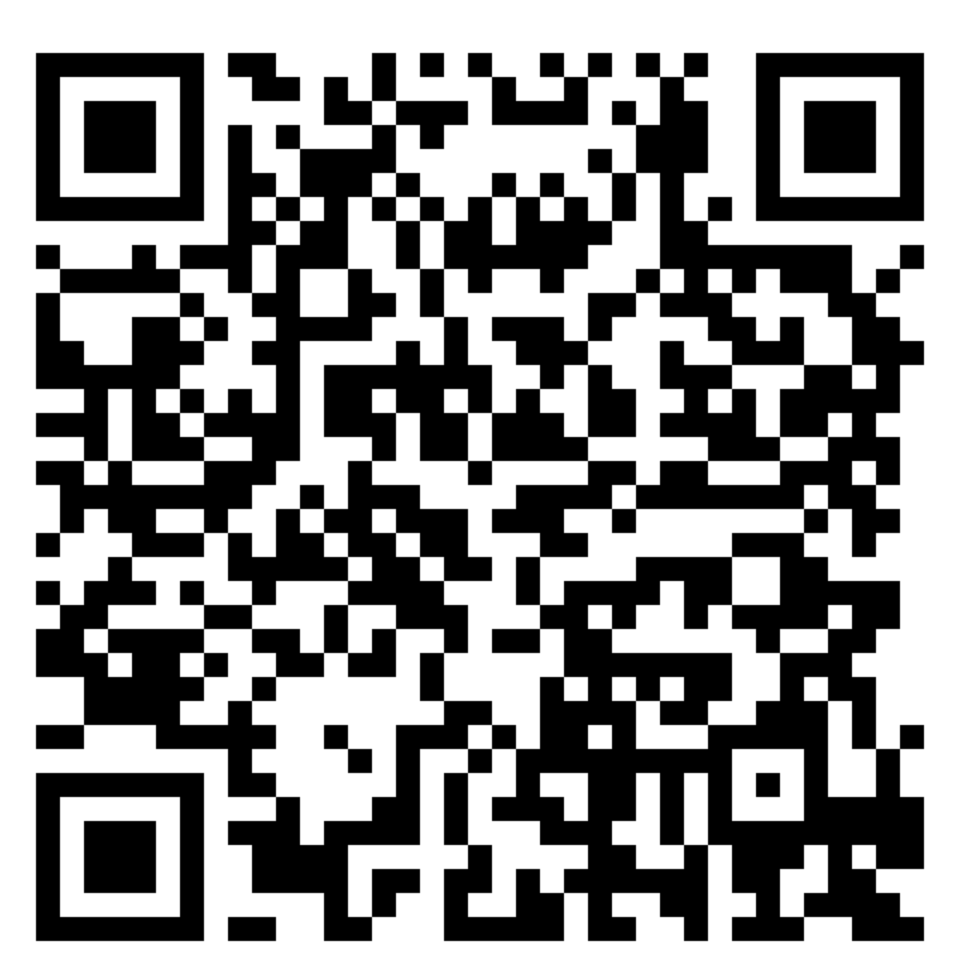
No library to install, no account with a service that sticks its logo in the middle of the code. The API directly returns a PNG or SVG file, and that is all it does. This is what the result looks like:
Free or PRO: what you get
The two plans do exactly the same thing, with the same formats and the same sizes. There is no watermark and no QR code that expires. The only difference is the number of codes per day. The green bar shows what you can generate in one day.
Free API
0 €, your account key is enough
- 10 QR codes per day
- Standard QR and SEPA payment QR
- PNG and SVG, all sizes, without a watermark
- Enough to make your posters, your business cards or a few invoices
PRO API
12 € per month, all my software included
- 1000 QR codes per day
- Enough for a payment QR code on every invoice from a management software
- The complete TV guide for 11 days and my software thrown in
- Active from the next request, with the same key
The counter resets at midnight UTC, so at 1 a.m. or 2 a.m. in France depending on the season. And good news for the clumsy ones: a malformed request (a false IBAN, empty text) is rejected before even looking at your key, so it costs nothing.
Getting your key
It takes a minute: create an account, validate your email address, then copy the key displayed in your account. It is the same key as for my other services. It is sent in the Authorization header of each request, instead of VotreCleApi in the examples that follow.
Were you using the old version with userId in the URL or in the JSON? This parameter is no longer read, the key now goes only through the header. Consequence: you can no longer paste the address as it is into the browser's address bar. To test with the mouse, there is Swagger, I will come back to it below.
The standard QR code: text, link, Wi-Fi
It's the NormalQr call, a simple GET. You provide the text, you receive the image:
curl -H "Authorization: Bearer VotreCleApi" "https://qr.digital3d.com/api/QrCreator/NormalQr?text=https%3A%2F%2Fdigital3d.com&format=Png&size=6" -o qr.png| Parameter | Values | What it does |
|---|---|---|
text | Required | The content to encode. Remember to encode it for a URL (the :, / and & must be escaped). |
format | Png (by default) or Svg | The type of image returned. |
size | From 1 to 20, 4 by default | The size of each little square in the code, in pixels for a PNG. |
Where it gets fun is that the text doesn't have to be a link. A phone knows how to interpret several formats. The most practical one at home: the Wi-Fi QR code, to print and stick on the fridge for guests. The text to encode looks like this:
WIFI:T:WPA;S:NomDuReseau;P:MotDePasse;;Same principle with mailto:quelquun@example.com to open an email, or with a vCard (the format for contact cards) so that a scan adds your contact details to the address book.
The SEPA payment QR
I like this one a lot. You put a QR code on your invoice, your customer scans it with their banking app, and the transfer is pre-filled: beneficiary, IBAN, amount, remittance. Nobody has to copy an IBAN incorrectly anymore. It's the PaymentQr call, a POST with a JSON body:
curl -X POST "https://qr.digital3d.com/api/QrCreator/PaymentQr" \
  -H "Authorization: Bearer VotreCleApi" \
  -H "Content-Type: application/json" \
  -o paiement.svg \
  -d '{
    "beneficiaryName": "ACME SRL",
    "iban": "BE68539007547034",
    "bic": "GKCCBEBB",
    "amount": 12.34,
    "remittance": "Facture 2026-001",
    "outputFormat": "Svg",
    "size": 8
}'| Field | Required | What it contains |
|---|---|---|
beneficiaryName | Yes | The name of the person receiving the money, 70 characters maximum. |
iban | Yes | Their account. The IBAN is checked, an invalid number is rejected. |
bic | No | The bank code, 8 or 11 uppercase characters. |
amount | No, but recommended | The amount in euros, from 0.01 to 9,999,999.99. |
remittance | No | The free-form message that appears on the account statement, 140 characters maximum. |
structuredReference | No | The structured message, which starts with RF. It's one or the other: with remittance at the same time, the request is rejected. |
purpose | No | A 4-letter code for the reason for the payment, for example RENT for rent. |
info | No | A little message for the payer, 140 characters maximum. Not all banks display it. |
outputFormat and size | No | As with the standard QR: Png or Svg, size from 1 to 20. |
One caveat, because there has to be one: this QR follows a European standard, but not all banking apps can read it. In Belgium, the Netherlands or Germany, it's very widespread. Elsewhere, try it with your own bank before printing five hundred of them.
Under the hood
For those who like to know what's going on behind the scenes, here are the technical choices.
The payment QR follows the EPC069-12 standard of the European Payments Council. Concretely, it's a small text of a few lines (version, beneficiary, IBAN, amount, reference) arranged in a required order, then encoded like any QR. The API builds this text for you and checks the fields beforehand.
All the codes are generated with the M error correction level. A QR carries duplicate data so it remains readable even when damaged: at level M, about 15% of the surface can be stained, folded or covered without interfering with reading. That's also the level required by the standard for payment QRs.
As for the format, take the PNG for an email or a web page, with a size value large enough that you don't have to stretch it. For anything going to the printer, take the SVG: it's vector drawing, it can be enlarged to the size of a banner without becoming blurry. The response has the right type, image/png or image/svg+xml, and its body is directly the file, not JSON to decode.
One last detail: these are static QRs. When someone scans the code, nothing goes through my server, all the content is in the image. So it will still work in ten years, whether my service exists or not.
Tracking your quota
As soon as the key is accepted, every response carries three headers: X-RateLimit-Limit (your daily limit), X-RateLimit-Remaining (what you have left) and X-RateLimit-Reset (the time of the reset, in Unix seconds).
As for errors, there are four to expect:
400: the request is invalid (empty text, size out of bounds, incorrect IBAN). Free, nothing is deducted.401: the key is missing, incorrectly written, or the account has not been validated yet. Free too.429: the daily quota is used up. TheRetry-Afterheader gives the number of seconds to wait before the reset.503: the service couldn't verify the key. Try again 30 seconds later.
Testing without writing a line of code
Everything is documented in the API's Swagger (a page that lists the calls and lets you launch them from your browser). Click “Authorize”, paste your key, then try each call with the “Try it out” button. The image is displayed on the page. Careful, though: these tests count against your quota, like any other request.
Why a subscription?
Because all of this runs on a server that I pay for. The free tier is still there for testing and light use, and ten codes a day more than cover the needs of an individual. If you connect the API to billing software or to a website, the €12-per-month PRO subscription raises the limit to 1000 codes per day, includes the complete TV guide and all my software, and that's what keeps the service alive. Commercial use without a subscription is not allowed.
Join the conversation
You need an account to comment on this article. Creating one is free and takes under a minute.
No comments yet.