Windows finally allows you to uninstall its AI, and there’s a button for that
Windows finally allows you to uninstall its AI, and there's a button for that
At the end of July, Microsoft released an update for Windows 11, KB5101684, which will reach everyone on August 11. It includes a feature that I honestly didn't expect anymore. On PCs equipped with a dedicated AI chip, you can now uninstall AI models. For real. With a button in the settings.
For two years, these components arrived on their own via Windows Update. They installed without asking anything and took up several gigabytes, often for functions that no one used. Now, we can get rid of them.
What to remove, and how much space it takes
A PC labeled Copilot+ comes with four AI components. They run directly on the machine, without going through the internet. The largest is called Phi Silica. It's a small local language model, responsible for processing and generating text. It alone takes up more than 2.5 gigabytes. The other three components work on images. The first creates images from a description. The second analyzes the ones you give it. The third removes an object from a photo and reconstructs the background.

Taking out the big box so the suitcase can finally close. That's exactly it.
The model that generates images is the most resource-hungry. Microsoft itself indicates that it weighs several gigabytes and downloads in the background. In other words, it arrives without you noticing, sometimes on a machine with only 256 gigabytes of disk space. On a budget laptop, you can feel it.
How to do it
The path is simple. A new menu has appeared in the settings:
Settings  >  System  >  AI Components
Settings    >  System    >  AI Components
You will find the list of components there, with an uninstall button under each of them. The removal is completed at the next restart. If you change your mind, Windows will redownload the component. The door doesn't close, you just free up space in the meantime.
One small caveat, because the button doesn't do everything yet. For now, the image generation component is the easiest to remove, and only if it is already installed. The others will follow. If you don't have a Copilot+ PC, you are not affected. These models only install on machines equipped with the necessary chip to run them.
The rest of the update, with a real gem
The button dedicated to AI is making headlines. However, the update also fixes daily annoyances that have lingered for much longer.
The best fix concerns the file explorer. Until now, it displayed all sizes in kilobytes. All of them. A two-hour movie could therefore easily show up as 4,812,736 KB. It's up to you to count the digits with your finger on the screen.

The Windows explorer in recent years. Technically accurate, humanly unusable.
Now, each file displays in the appropriate unit, in kilobytes, megabytes, or gigabytes. It may seem trivial. Yet, it's the fix I was looking forward to the most.
The update also adds three useful functions for everyday use:
- The search starts as soon as you type two characters and forgives typos. Until now, you sometimes had to write the name of an application perfectly to find it. Convenient, especially when you're looking for it precisely because you can't remember its name.
- A middle click on a folder in the address bar opens it in a new tab. It's the gesture that everyone has been making in their browser for fifteen years. Windows just received the memo.
- The scrolling and zoom speed of the touchpad becomes adjustable. An accelerated scrolling option is also offered in
Settings > Bluetooth & devices > Touchpad.
The update also adds voice isolation for voice commands. It filters out noise and conversations around you. Secure fingerprint recognition finally accepts external readers. Nothing spectacular. Just things finally fixed.
So, what does this change for you
Two very concrete things, and a third that matters more than the other two.
1. You free up space, and you know which one
If your laptop is lagging because its disk is 95 percent full, recovering a few gigabytes is not a detail. Many machines are sold with only 256 gigabytes. This freed space can make the difference between a Windows that breathes and a Windows that lags. For once, you also see exactly what you're deleting. No need to run a dubious disk cleaner that promises miracles.
2. What doesn't run consumes nothing
These models run on your machine, not in a distant data center. It's good news for your privacy, but less so for your battery and keyboard temperature. If you've never used the built-in image generation, you lose nothing by uninstalling it. And let's be honest, who has used it?
3. The principle matters more than the gigabyte
This is the real issue. For the past two years, AI has been making its way into devices without asking for permission. It's arriving in phones, televisions, office suites, and browsers. It's enabled by default, impossible to uninstall, and then presented as progress that you would be foolish to refuse.
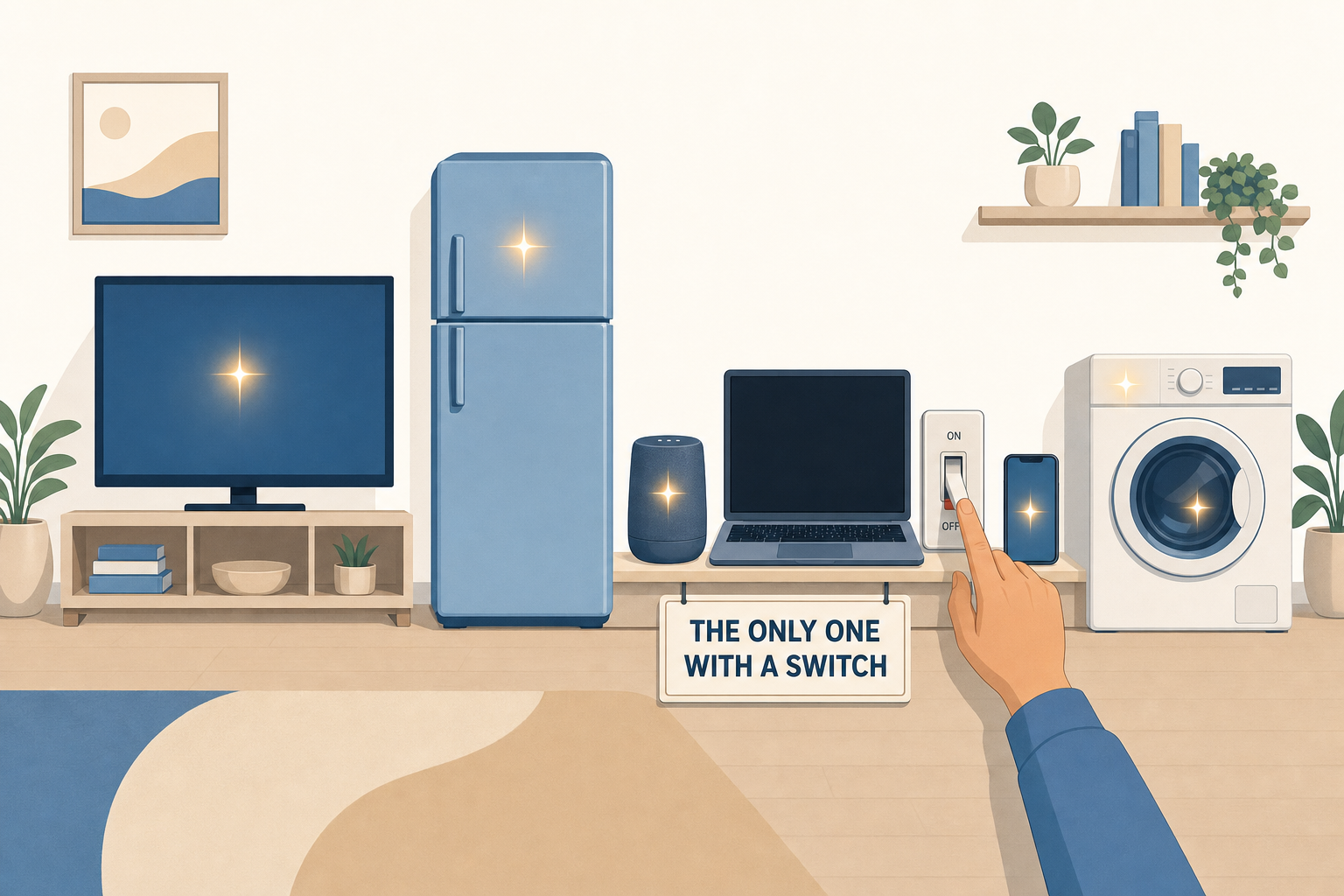
Six devices packed with AI, only one with a switch. We have a long way to go.
This time, one of the biggest publishers in the world admits that a user might want to say no. More importantly, it gives them the button to do so. It seems tiny. Yet it is the first real step back since the beginning of this story. I hope others will copy.
What I think about it
I will still put a caveat. Allowing the uninstallation of a component that no one asked for is politely fixing a problem that was created in the first place. The right choice would have been to ask before installation. Being happy to have an escape route is already accepting that we were forced in.
That said, I’ll take it. Especially because the new features that truly excite me have nothing to do with AI. Readable file sizes, a search that forgives a typo, and a middle click that opens a tab. Three fixes that have been awaited for years and that, unlike AI, do not consume 2.5 gigabytes.
Join the conversation
You need an account to comment on this article. Creating one is free and takes under a minute.
No comments yet.