macOS 27 Golden Gate is out, and it's the end of Intel Macs
Monday, September 14, Apple put macOS 27, named Golden Gate, online after three months of beta testing. A new Siri, a few design tweaks, and a first in twenty years that makes no noise in the press releases: no Mac with an Intel processor can install it anymore. Not just a few end of life models, all of them. The machine you may be using to read these lines is probably affected, and it is not going to stop working for all that.
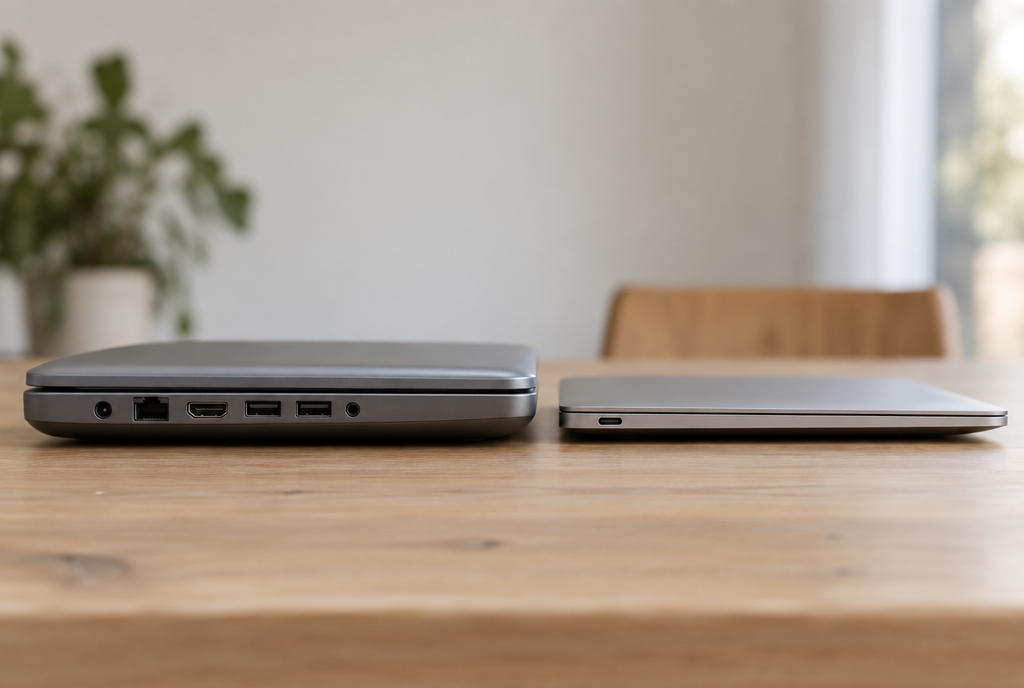
On the left, the Intel Mac, on the right, the Apple chip. Between the two, twenty years of compatibility that have just come to an end
Four machines were still in the running and lose access here: the 2019 Mac Pro, the 2019 16 inch MacBook Pro, the 2020 13 inch MacBook Pro with four Thunderbolt ports, and the 2020 27 inch iMac. Apple had warned last year: macOS 26 would be the last system compatible with Intel processors. It's done, the promise has been kept, and for them the curtain has come down.
Now, the good news, and it's bigger than it looks: three years. That's what Apple announced at WWDC: macOS 26 will continue to receive security fixes on these machines for three years, until around the end of 2028. Three years of patches for vulnerabilities, then, without the slightest new feature. Your Intel Mac is not going to turn into a brick next month, it is going to become a frozen machine. That's very different, and it leaves time to see what happens.
What changes right away, on the other hand, is Rosetta. If the word means nothing to you: when Apple switched from Intel processors to its own chips, the two did not speak the same language, and applications written for the old ones no longer started on the new ones. Rosetta 2 is the translator Apple slipped into the system to fix the problem. It runs on demand, you never see it, and it runs software that has never been rewritten.
Golden Gate is the last version of macOS to include all of it. With macOS 28, most of this translator will disappear, leaving only what is strictly necessary for a few games and a few tools. Translation for you: the slightly older applications that still work perfectly well on your Mac with an M1 or M2 chip have about a year to be updated, or they will stop there.
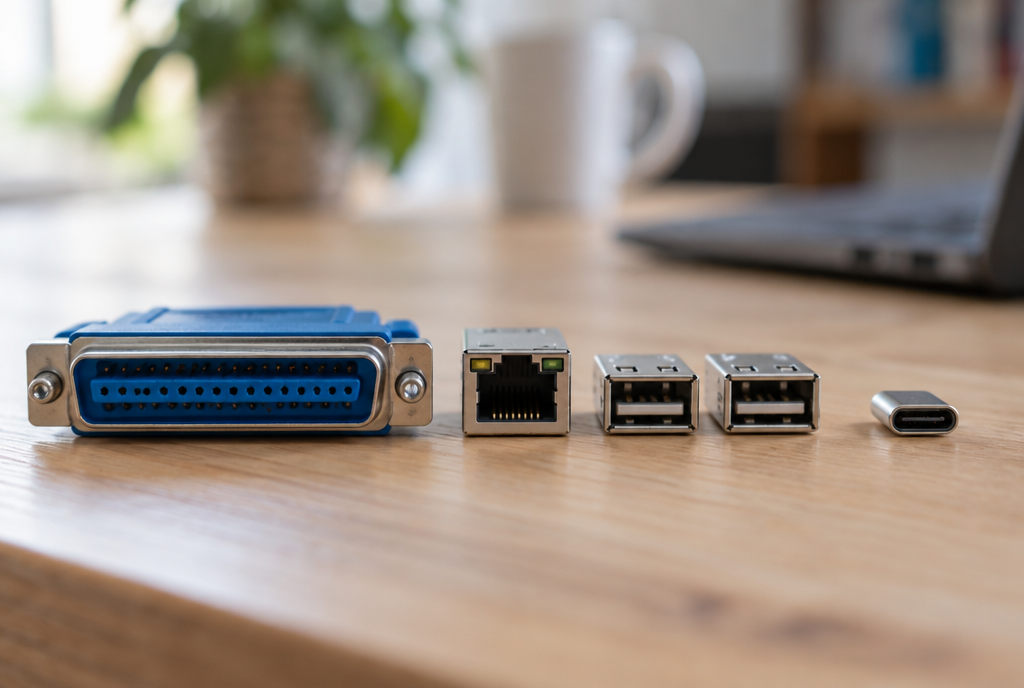
A connector on one side, a connector on the other. That's all Apple's translator does
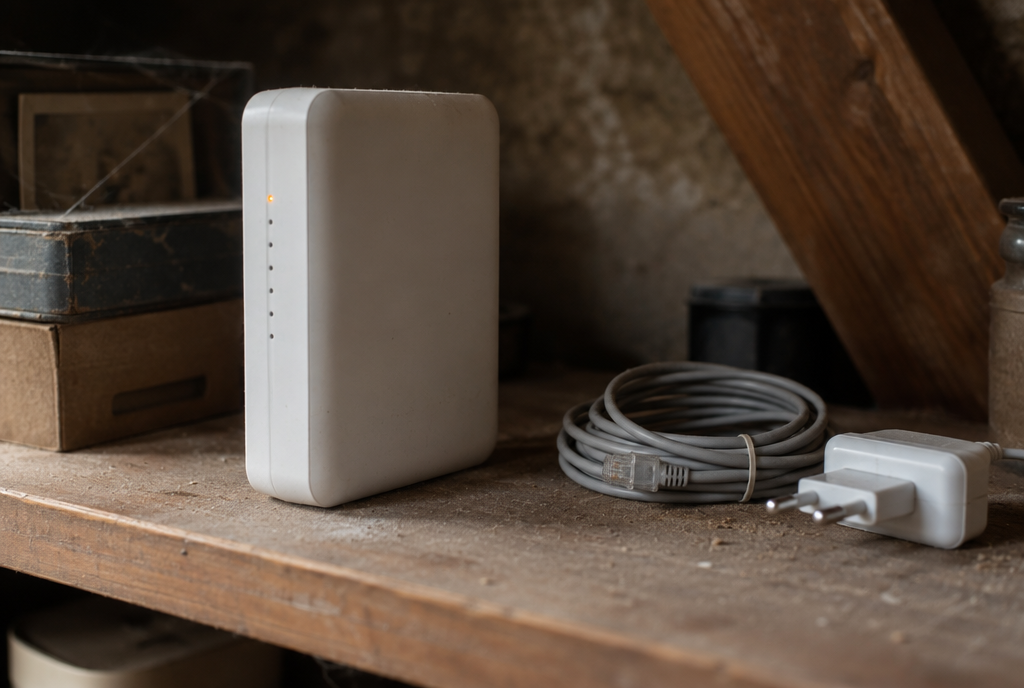
The little white box at the back of the shelf. It will no longer make backups after the update
And there is the rest, the list of what is leaving without anyone talking about it. Boot Camp, the tool that allowed a Mac to start up under Windows, is being removed: without an Intel processor, it no longer has any reason to exist. AFP file sharing is disappearing too, and that, that's going to hurt those who still back up to a Time Capsule, the little white box Apple used to sell before its current routers. Time Machine will no longer be able to write to it. The AirPort Utility is not even included with the system anymore, but it is still downloadable, even though its support ended a while ago.
There’s one last piece, sneakier, and it’s the one that’s going to hit you in six months without warning. On September 2, Apple wrote to its developers to tell them that an app compatible starting with macOS 13 could now drop support for Intel Macs. The exact wording is pretty nice: “simplify your development and optimize download and storage size”. In plain English, your favorite app can keep releasing versions, and you won’t receive them anymore. No message, no error, just a button that stays on the old version.
So, do we update or not? If your Mac has an M1 chip or newer, yes, but not tonight. Wait two or three weeks, for the first wave of fixes to pass, like with every release for the past ten years. Back up beforehand, really, not “I’ll do it tomorrow”. And if an application you rely on every day is a little old, check that it can take the hit before starting the installation.
If your Mac is an Intel, the answer is simpler: you stay on macOS 26, and you have nothing to do. The system will refuse Golden Gate anyway. What’s starting today isn’t a breakdown, it’s a countdown. On the iPhone side, it’s pretty much the same story this week, with a Siri that arrives late and not everywhere.
One last piece of advice, and it’s the only one that really matters: don’t let the update happen by itself overnight. This isn’t yesterday’s version, it’s the one that closes the bridge with the old world. You have the right to choose the moment. And for those who already clicked Update on Monday morning, without a backup, between two coffees, I have only one thing to say: good luck, and think of me while the wheel spins.
Join the conversation
You need an account to comment on this article. Creating one is free and takes under a minute.
No comments yet.