Google wants to sort your photos while you sleep. Who else looks at them?
Google wants to sort your photos while you sleep. Who else is looking at them?
On Thursday, Google gave its assistant the keys to your photo library. Not to look at it: to modify it. Retouch, make albums, get rid of duplicates, share. And above all, do all that at a set time, on a loop, without you being there.
I started this article excited. I finished it much less so.
Because in the meantime I went to read Google's help pages. Not the press release, the help pages, the ones nobody ever opens and where everything is nevertheless written in black and white. Ten minutes of reading and I changed my mind.
The cold shower right away, because I hate articles that save it for the end: it's reserved for the United States, in English, in the Gemini mobile app, and you need a paid subscription. Nothing for us here for now. And when you've read what follows, you'll tell yourself that maybe there's a reason.

The big Saturday morning sort, except it happens on Tuesday at 3 a.m. and you're not invited.
What it can do, and frankly there's some good in it
Let's start with the best part, because it exists and it would be dishonest to ignore it.
It retouches an image if you ask it to. It makes an album based on a vague criterion like “my best photos of the summer”, which assumes it has an opinion on what makes a good photo, and we'll come back to that. It spots duplicates and cleans things up. It creates a shared album and sends you the link. It reads the text lying around in an image.
And the example Google highlights, the one that really makes you want it: you photograph a concert poster stuck to a wall, it pulls out the date, time, and place, and puts the appointment in your calendar.
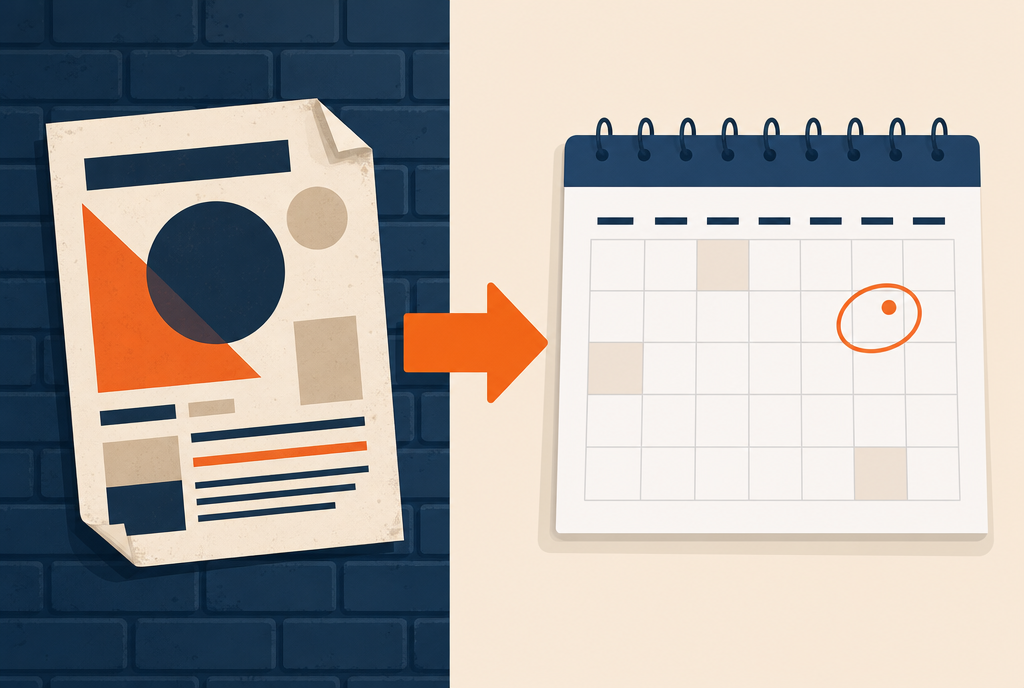
The photo of the poster you always take and never find again. It finally serves a purpose.
I want that one. I have an entire folder of photos of posters, menus, street signs, and spare-parts references, and it has never been any use to me because finding the right one takes longer than asking again.
The new thing is that it works when you're not there
Everything above already exists elsewhere, in bits and pieces. What changes can be summed up in one word: scheduling.
You can tell it “every Sunday evening, take the best photos of the week, put them in an album and send the link to my sister”, and it will do it. Every week. Without asking you. While you're at work or asleep.
People have been talking a lot about agents for the past year, but until now it stayed in the sandbox of developers and curious people. The day Claude Code stopped asking permission for every move, it concerned a few thousand tinkerers. Now we're talking about your family's photo folder, on everyone's phone.
Because a photo isn't a file. It's the only one that exists of your grandmother in her garden.
What Google itself writes in its help pages
Here's what I found when I went to check. Three sentences, on three different pages of Google's support site. They're in English, I'm translating them, and I've put the links at the bottom of the article so you can go and see for yourself.
The first: “Gemini Apps activity, which includes data from apps you connect, is used to improve Google services for everyone, including training generative AI models, if your Keep Activity setting is turned on.”
Translation of the translation: your photos are feeding the machine.
The second, and this is the one that made me look up: “your Google Photos data is used to infer your interests, your relationships with the people in your photos, and the places you've been, including by associating your face with the corresponding location and timestamp data.”
Read that one again slowly. It's not “we sort your photos”. It's “we infer who your loved ones are and where you were, by attaching your face to a place and a time”. At this point it's no longer a sorting assistant, it's a profile.
The third: “a sample of the connected app data processed by Gemini is reviewed by human reviewers (including trained contractors)”.
People. Not an algorithm: people, at Google or at a subcontractor. And what one of these reviewers has looked at once is kept for three years, without you being able to erase it, since Google also writes that exchanges reviewed by a human “are not deleted when you delete your activity.”
The best for last. On its own privacy page, Google warns you: “Do not enter confidential information that you would not want a reviewer to see.” They write it! Nobody reads it.
And the famous setting that everything depends on, this “Keep Activity”, is enabled by default if you are over 18. You can turn it off, and you should go check where it stands at home. But with it off, you lose part of what makes the assistant interesting. The deal is there, it is clear, and it is written nowhere on the poster.
The same photo, two Googles
What is sneaky is that Google did not lie. It has two policies, and they do not say the same thing.
In Google Photos alone, the help page is rather reassuring: “We do not train any generative AI models outside Google Photos with your personal data present in Google Photos.” And on that page, it is specified that humans will not see your photos.
In the Gemini app connected to Google Photos, the other regime applies. Training, human reviewers, three years.
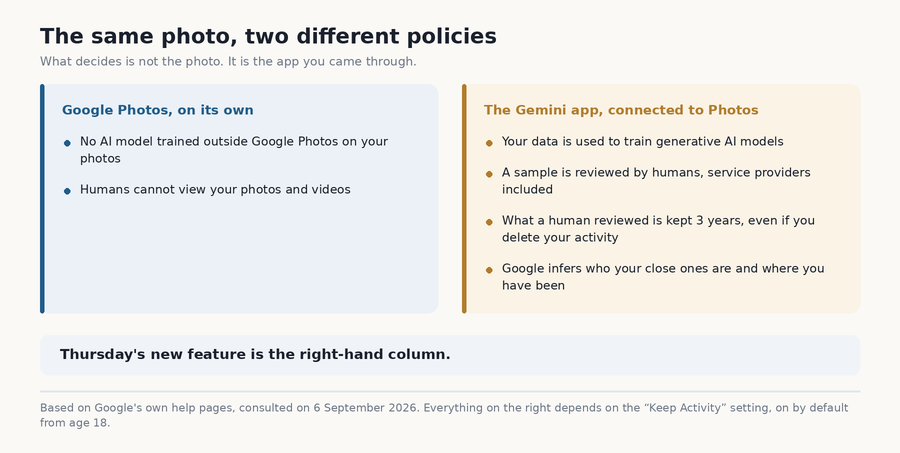
Two help pages from the same company, about the same photo. Guess which one applies to Thursday's new feature.
Same photo, same account, same company. What changes is the door you come in through. And Gemini Spark is the second door.
The three precautions, and what they do not protect you against
Google did still make three decisions that I think are good, and I am all the more happy to say so because what follows is less kind.
It never touches the original: before any editing, it makes a copy and works on it. Every album it creates is private by default, sharing is an action and not a starting state. And actions with consequences, sending an album to someone for example, require confirmation.
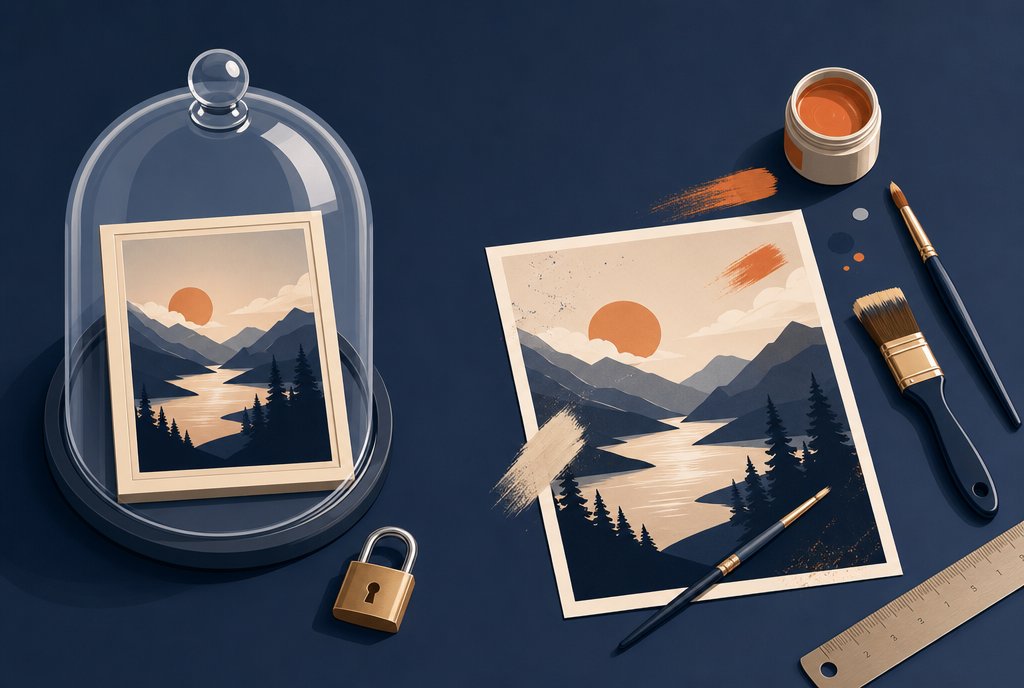
The original under a bell jar, the copy on the workbench. Very good. Except that the bell jar and the workbench are in the same room, and it is not yours.
These three rules are a good model for any agent that touches irreplaceable things: work on a copy, close by default, ask before doing what cannot be undone. If you build this kind of tool, write them down somewhere.
But look closely at what they protect you against. They protect your photos from the agent. They do not protect you from Google.
The original under a bell jar keeps a robot from wrecking the only photo of your grandmother in her garden, and that is very good. It changes nothing about the fact that the original, the copy, and the deduction that the guy who appears in 400 shots in the same kitchen is probably your brother, all of that is on the same side of the wall. Theirs.
There is one last thing that bothers me, more stupid but persistent: when a machine sorts your photo library every week for six months, what do you have to know what it did? A list of three hundred actions that nobody will read. The day it decides that a photo is a duplicate when it is not, you will not know it at the time, you will discover it two years later while looking for that very one. The reflex is the same as the one I was talking about regarding the notebook Claude keeps about you : go and see at least once what the machine did and what it kept.
My NAS already does three quarters of it, and it does not tell anyone my life
And then at some point I thought to myself: wait, I already have all that.
I have a Synology in a cupboard. It finds duplicates in my files. It recognizes faces, sorts my photos by person, date, and place, it groups bursts of twenty identical shots into a single stack. It runs on my machine, at home, on my electricity. Nothing gets out. Nobody reads it. And if one day Google shuts down the service or triples the subscription price, it will keep running exactly the same.
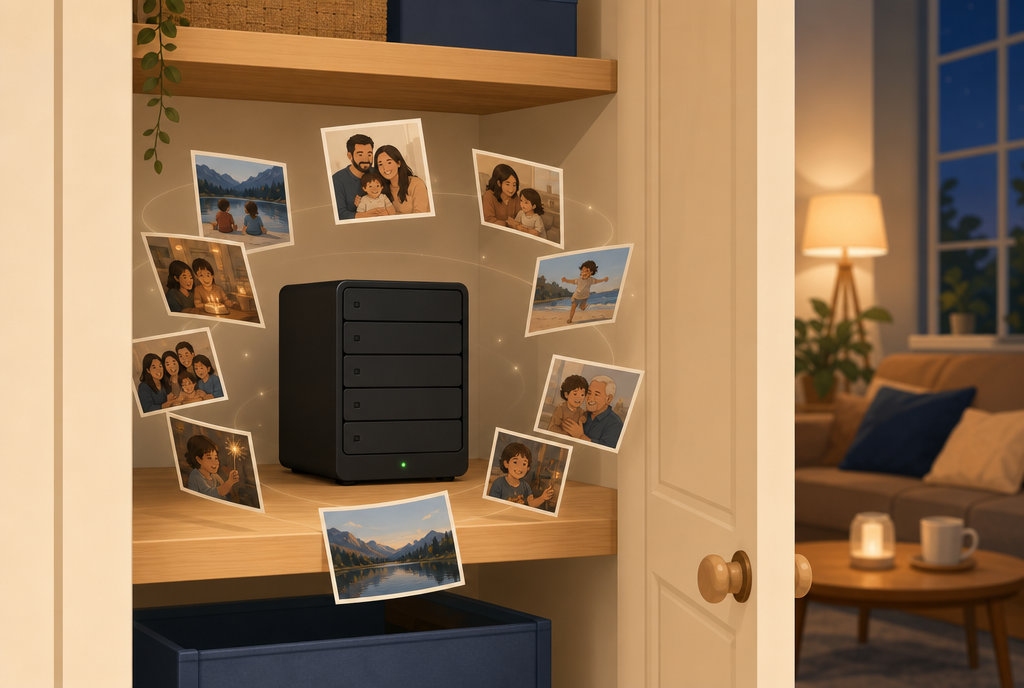
It doesn't talk, it doesn't suggest anything, it doesn't figure out who is who in my family. It puts things away and keeps quiet.
No, it doesn't retouch my photos. No, I can't ask it “make me an album of my best holidays” in human language, and it's incapable of the story about the concert poster that turns into a date. Gemini is smarter than it, that's true, and I'm not going to pretend otherwise for the sake of my demonstration.
Two caveats as well, otherwise I'm selling you a dream: facial recognition only works on certain device models, and a misconfigured NAS that you leave lying around open on the Internet is much more dangerous than Google, which still pays an army of people to monitor its servers. If you don't have a NAS and the subject is eating at you, there are also free software programs that do this on your own machine, Immich and PhotoPrism are the two names that keep coming up all the time.
But between “it does 70% of the work and stays in my cupboard” and “it does 100% of the work and figures out who I spend time with”, the calculation is quickly made!
So, do you let it do its thing?
Me, no.
And not on principle, nor to play the grumpy old man who refuses progress. I find the technology impressive, I even think it's going to work really well, and the concert poster thing, I repeat, I want it.
It's just that we're not talking about a spreadsheet file. We're talking about the people I love, in my kitchen, on a day when the weather was nice. And the price displayed for the tidying up isn't the subscription: it's that all this can be used to infer my relationships and my movements, that a sample passes under the eyes of an employee somewhere, and that part of it can no longer be deleted for three years.
By the way, did you see the best part? You have to pay a subscription for that. A subscription! To give our family albums to an AI that's getting hungrier and hungrier, and to have the right to better organize data they already host.
I still prefer my cupboard that hums.
Sources
- TechCrunch : Google's Gemini Spark can now manage your Google Photos library, the list of possible actions, the example of the concert poster turned into a date and the access requirements
- 9to5Google : Gemini Spark rolling out Google Photos control for automated editing, sharing and more, September 3, 2026, the original announcement, the scheduling of recurring tasks and the rollout calendar
- PetaPixel : You can now use Gemini Spark to manage your Google Photos, the copy created before any retouching, private albums by default and the confirmation required for consequential actions
- Google : About personalization with connected apps, model training when Keep Activity is enabled, inferences made from Google Photos data and human review of a sample
- Google : Gemini Apps Privacy Hub, the three-year retention of conversations reviewed by a human despite activity deletion, and the warning about confidential information
- Google : Gemini features in Photos privacy hub, the other setup, the one involving Google Photos alone, where no external model is trained and humans do not see the photos
- Google : Temporary chats and privacy controls in the Gemini app, the Keep Activity setting and its default activation for adults
- Synology : Synology Photos technical specifications, facial and subject recognition, sorting by person, place and date, grouping similar photos and compatible models
Join the conversation
You need an account to comment on this article. Creating one is free and takes under a minute.
No comments yet.