Claude takes notes about you. Since yesterday, you can open the notebook and correct it.
Claude has been taking notes about you. Since yesterday, you can open the notebook and correct it.
Yesterday, Anthropic changed the way Claude remembers you. And the new thing isn't that it remembers you, it's been doing that for months. It's that you can finally open the notebook, read line by line what it has written about you, correct what's wrong and throw away what you don't want it to keep.
It looks like a little setting hidden away in a menu. It isn't, and I'm going to try to tell you why.
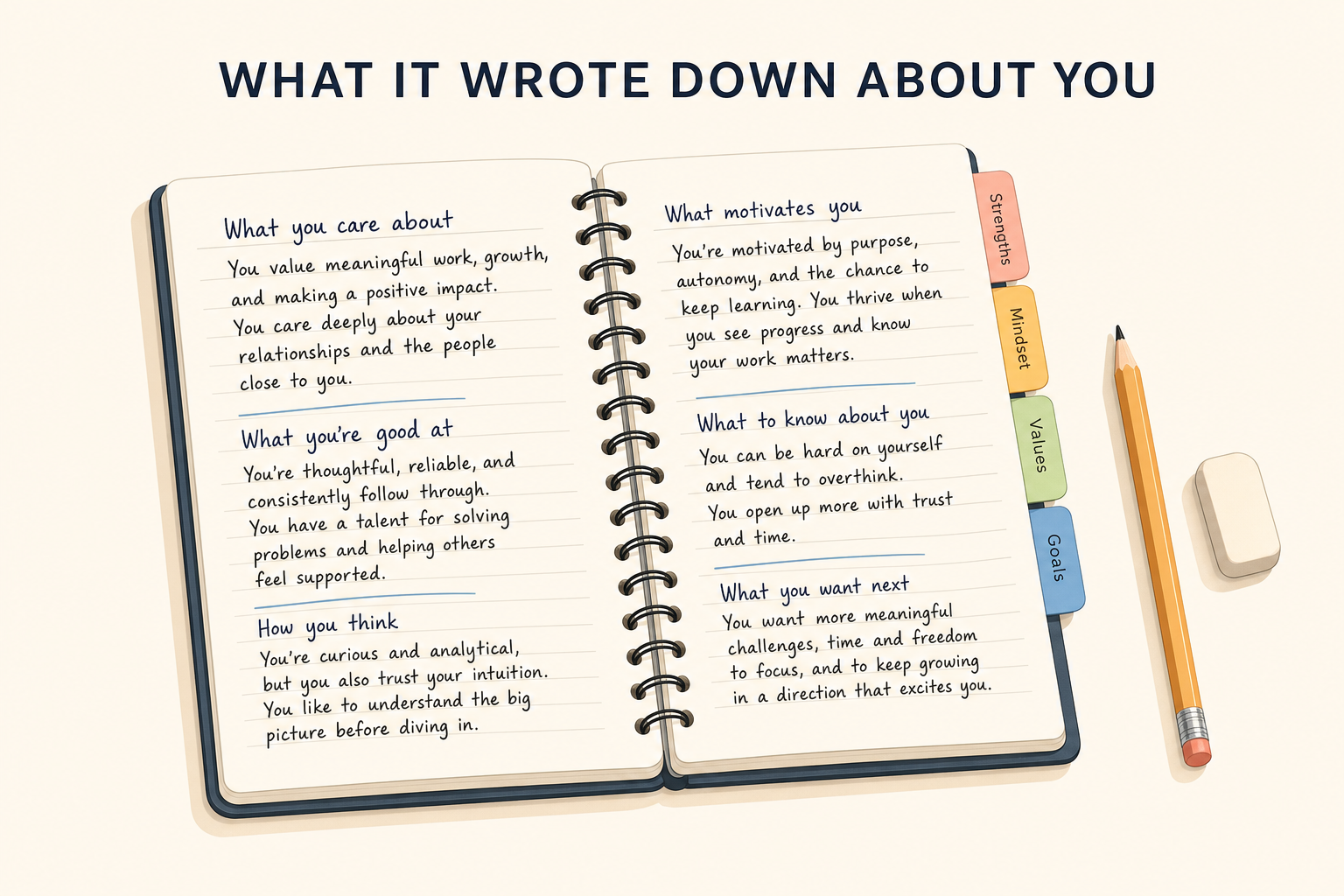
The kind of notebook we'd quite like to be able to look at at the dentist's, too.
The problem before, with a restaurant waiter
Until now, an assistant's memory worked like the waiter at the restaurant you go to every Thursday. He knows you, remembers things about you, and one evening he brings you a carafe of still water without you asking for anything. Nice, right.
Except you've never seen his notebook. You don't know whether he wrote “drinks still water” or “the guy who always complains”.
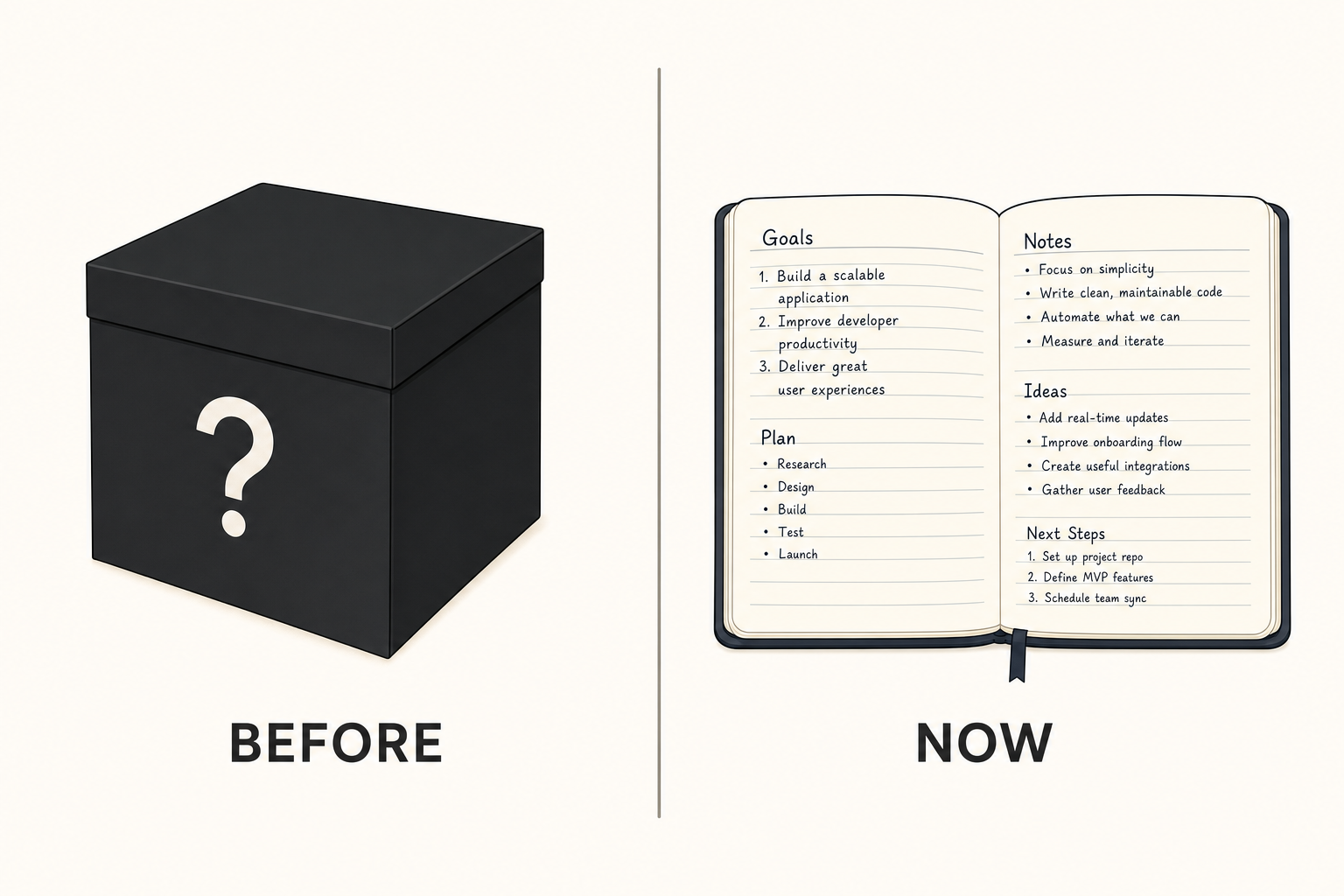
On the left, the old version. On the right, the same thing, but you can read it.
That's exactly what was wrong. That notebook filled up behind your back, from summaries made after the fact, and you had no way of going to see what was inside it. Even less of a way to cross out a line.
Now, it's a binder of cards
What Claude remembers is sorted by subject, one card per subject, and everything is in Settings, then Memory. You open it, read it, and each card can be edited or sent to the trash.
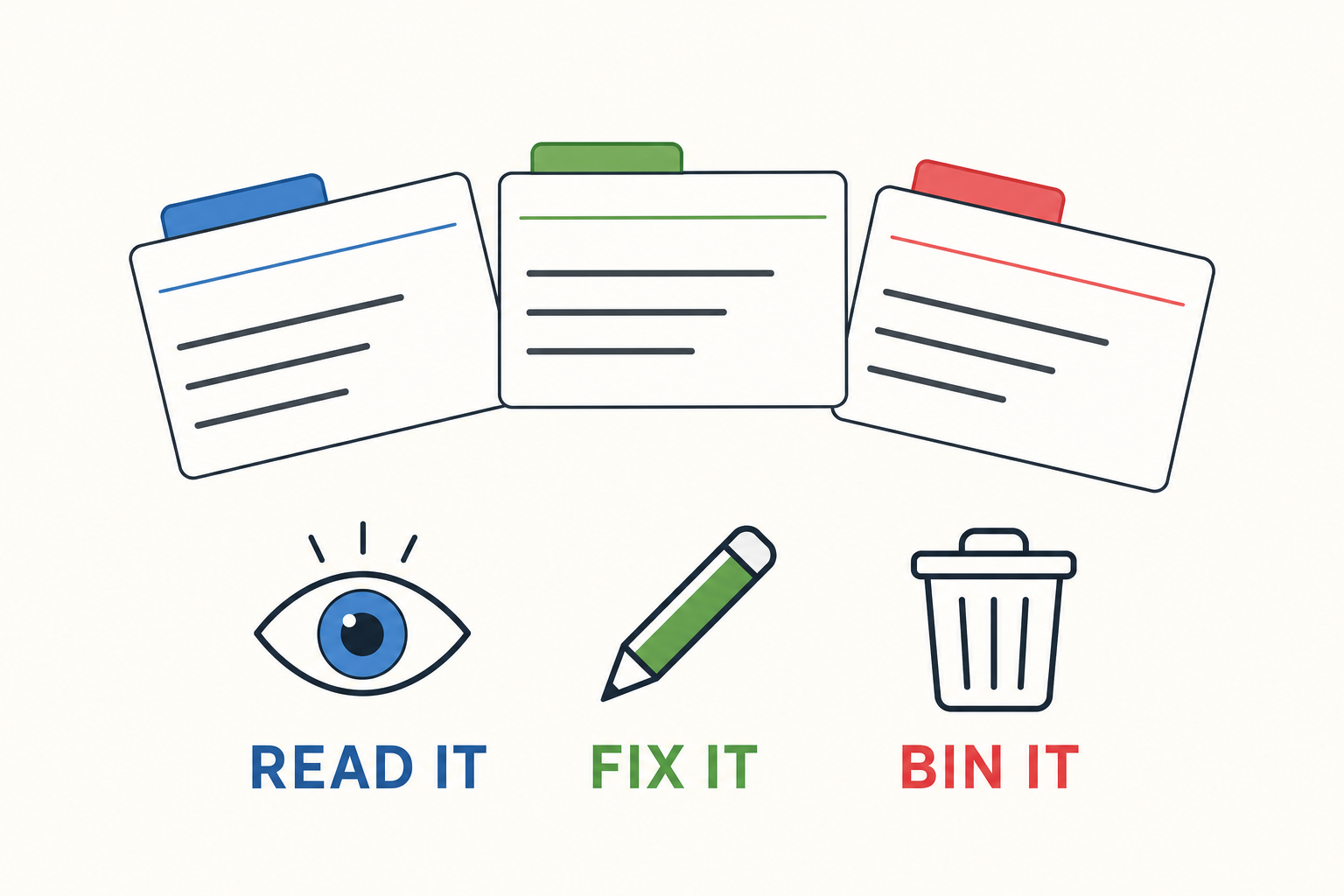
Three actions. An eight-year-old can manage them, which wasn't a given considering the subject.
The example Anthropic gives is the most telling of all: you correct your company's old name on a card, and from then on all subsequent conversations use the right one. One correction, one time, instead of repeating it in every discussion like you repeat your address on the phone to a customer service department that already has it.
Second change, more subtle, but it matters at least as much: the notebook is written during the conversation, as things come up, instead of being a hastily put-together summary afterwards. What you said two minutes ago is already taken into account, and not in three conversations.
And it's the same notebook everywhere. On the website, on the computer, on the phone, and also in Cowork, the place where Claude works on your documents instead of simply chatting with you. Before, these two worlds didn't talk to each other: you explained your job on one side, and on the other it asked you for everything again from the beginning.
What it refuses to write down
This is the part I found best done, because this is where you can see what was thought through and what was half-assed.
By default, an entire family of subjects doesn't go into the notebook: your health, your beliefs, your origins, anything that touches on your identity. These are exactly the categories that European law calls sensitive data, the kind whose leak can't be fixed. They are excluded without you having to do a thing.
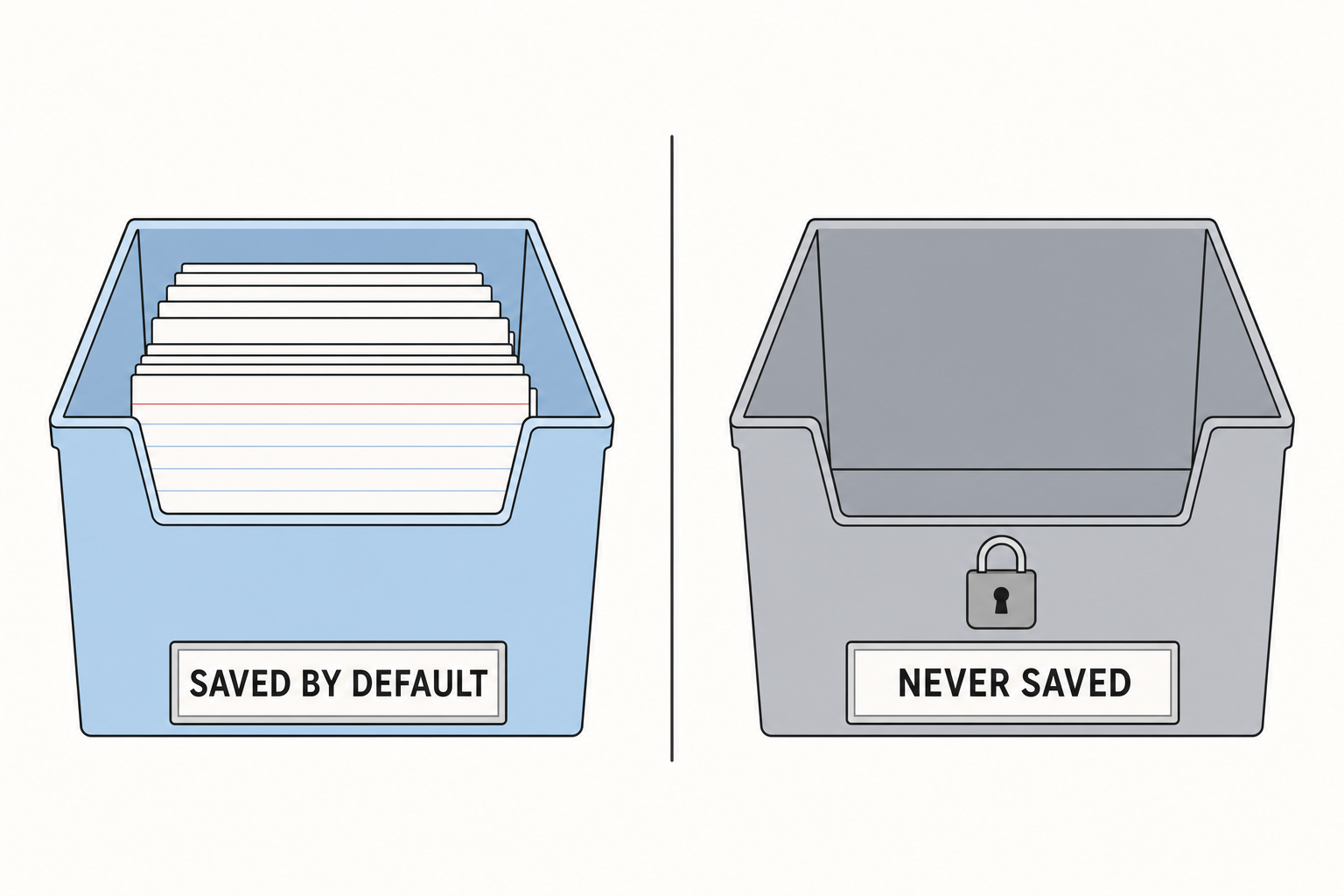
The bin on the right doesn't fill up. Even if you insist.
You can allow them if you see a benefit in it, there's a switch for that, and the example chosen is a good one: if Claude knows that you can't stand gluten, it stops suggesting recipes that you're going to have to reject one by one. And every time it writes something down in that category, it tells you right then.
Then there's the list of what it refuses to write no matter what you do, switch or no switch: your national register number, an ID card number, a criminal record, a residency status. There, it's a no, and there is no button to change its mind.
Concretely, what does this change for you?
Three things, and none of them requires understanding how it works inside.
First, you stop repeating yourself. If you use it for your recipes, your holidays or your evening homework with the kids, you've already noticed that you start with the same context every time: my son is eleven, he hates reading, we have forty minutes. Now it's written down once, in a file, and you can even go check that it's written down properly.
Second, you can fix a mistake. An assistant that remembers things also remembers the wrong ones: a question asked for a friend becomes "he's interested in that", a joke becomes a fact. Before, you had no recourse. Now you open the file and cross it out.
Third, and this is the most important thing in my eyes, you can check before worrying. The question "what does this thing know about me" always had the same frustrating answer, namely none. There, there's a list, it's readable and it belongs to you. And that matters, because data stored somewhere always ends up being worth something to someone: last week I was telling how the internal data of a bankrupt company ended up on the market, with Google as an interested buyer.
Where it's switched on, and how to switch it off
For individuals, the Free, Pro and Max plans, it's active by default, on the website as well as on the phone. If you don't want it, it's in Settings then Memory, and you can switch it off.
In companies, it's the opposite: off by default, and it's the administrator who decides to switch it on. Which is only common sense, because a company memory that drags around information about customers gets decided in a meeting, not by an employee on a Tuesday morning.
What I think of it
Progress, here, isn't the memory. Everyone does it, ChatGPT does it, Gemini does it, and they're all going to keep doing it.
Progress is the list.
For twenty years we've been told that our data is kept nice and warm somewhere, safe, with serious people, and that among the thousands of services repeating this phrase there may be three that show you the list of what they've written about you, in a form you can read without being a lawyer, and where the false line gets corrected instead of being reported through a complaint form to send by registered mail. Your supermarket loyalty card, for its part, knows things about you that you'll never see.
So yes, it's a settings menu. But it's the first place in a long time where someone has written in black and white: here's what we keep, here's what we never keep, and here, an eraser.
Go read your list. Honestly, it's worth the detour, and there's a good chance it'll be totally boring, like "prefers short answers" and "works in IT". That's perfectly fine. The day it isn't anymore, you'll be glad to know where it is!
Sources
- Anthropic: Claude's memory works everywhere, and you decide what's in it, August 25, 2026
- TechCrunch: Claude Cowork finally remembers what you told the app in chat, August 25, 2026
- Engadget: Claude's memory now works across both chats and Cowork sessions, August 25, 2026
- Anthropic Help Center: using Claude's search and memory, settings and availability by plan
Join the conversation
You need an account to comment on this article. Creating one is free and takes under a minute.
No comments yet.