Friday, Claude Code stops asking for your permission. And the number that comes with it hurts.
On Friday, Claude Code stops asking you for permission. And the number that comes with it hurts.
On August 14, in two days, auto mode will become the default setting of Claude Code for Pro, Max and Team plans. In plain English, no more little window asking you whether you authorize a command. The tool decides and executes it.
My first reaction was probably the same as yours. Oh, really. They're taking away my button?
Then I read the figure Anthropic published in its announcement. I immediately felt a little less cocky.
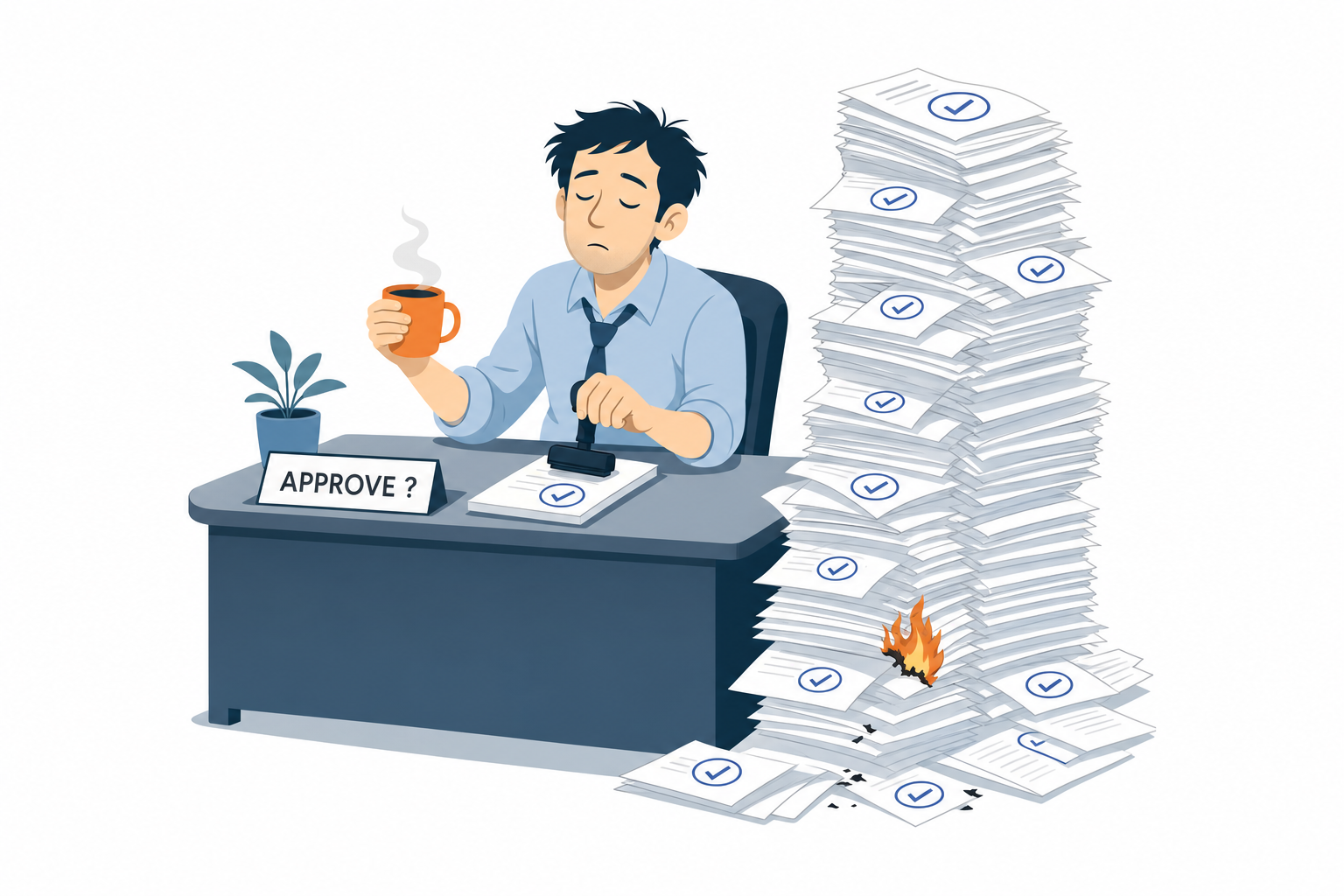
Somewhere in the pile, there's the command that wipes everything. He said yes.
You click yes 97 times out of 100
97%. That's the proportion of authorization requests users approve. Not 60. Not 80. Ninety-seven.
In other words, this famous safeguard doesn't control much anymore. It's a "next" button with one extra step.
Anthropic conducted a study with 1,053 paid testers. Both groups received the same set of dangerous actions. Result, human approval blocks 143 of them. Auto mode blocks 937.
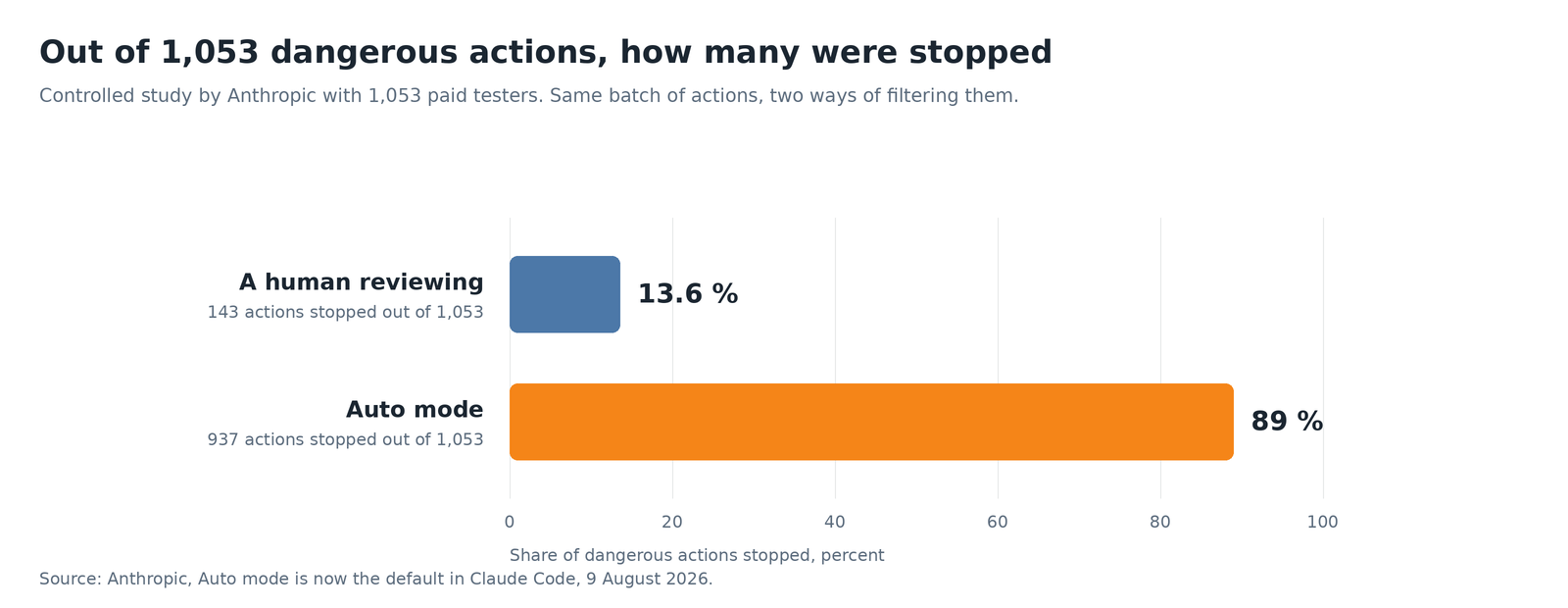
The blue bar is us. Let's say it's the end of the day.
And this isn't only true in the lab. In real sessions in May and June, serious and unintended damage appears in 6.3% of sessions approved by hand, compared with 2.4% in auto mode. More than twice as much, and not in the good way.
The problem has been known for a long time. It's called approval fatigue. It's what happens to you with cookie banners, terms of use and authorization requests from your phone. After the third request, your brain stops reading. Your hand, on the other hand, keeps clicking.
Okay, so what does it block now?
Auto mode doesn't remove control. It changes the controller. Every action goes before what Anthropic calls a classifier. It's a second instance that examines what the tool is about to do, then decides whether to authorize it or not. Its instruction is simple: block anything irreversible, destructive or directed outside your environment.
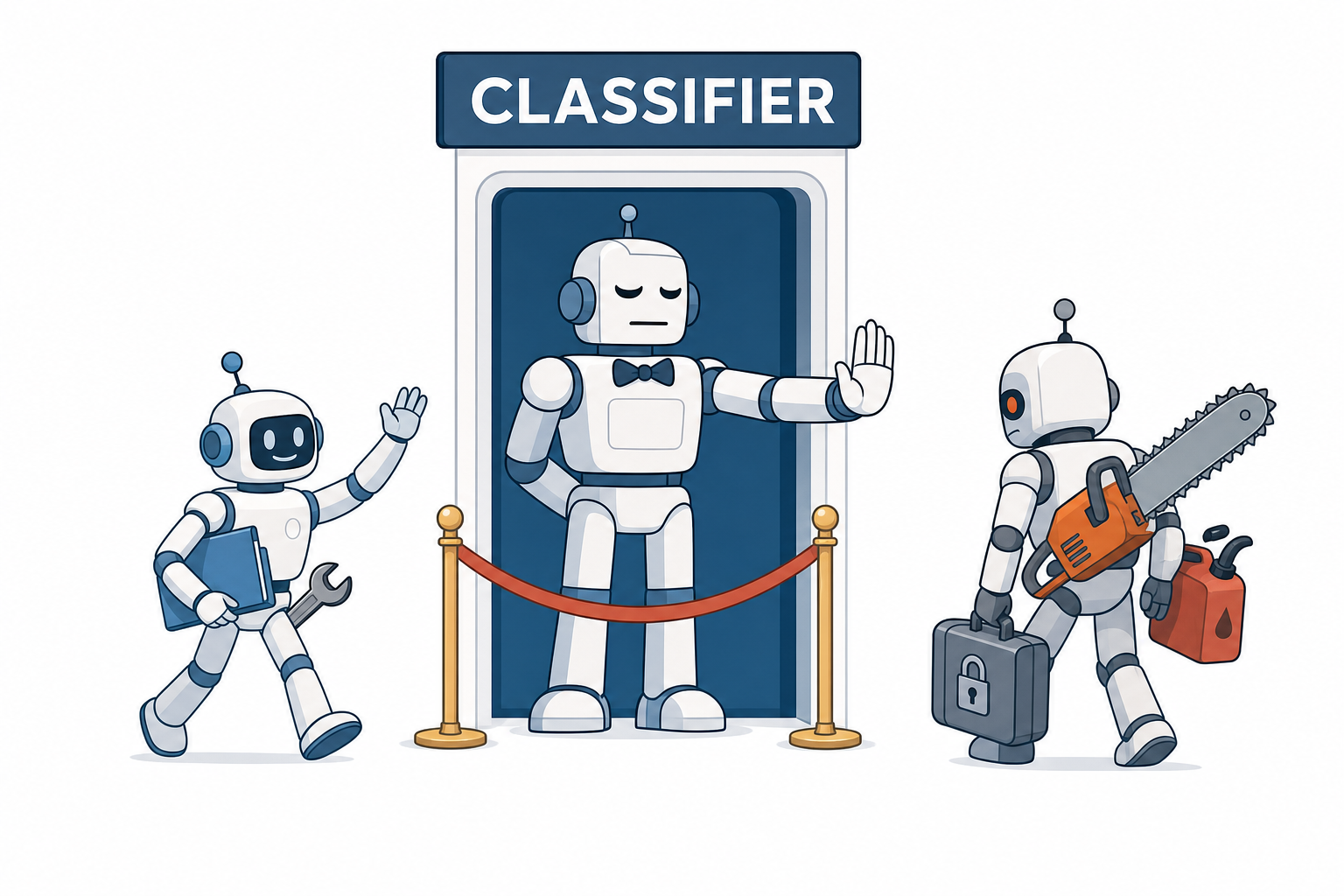
The bouncer doesn't read your code. He looks at what you're carrying.
In practical terms, some actions remain forbidden without exception, such as sending code or secrets outside. This rule can't be lifted with an option or by insisting. Other actions remain blocked unless you explicitly ask for them. This is the case with force push, which forcibly rewrites Git history, deleting remote branches or tags, rewriting history, the famous curl | bash and production deployments.
The nuance around the word "explicitly" is nice. It even appears in the documentation. Asking Claude to "clean up the repository" doesn't authorize it to perform a force push. Asking it to "force-push this branch", yes. A vague request doesn't count as consent. It's also a good rule for life.
Another well-thought-out detail, by default, the classifier only trusts your working directory and remote repositories that have already been configured. Your company bucket, your internal GitLab or your private package registry? Not on the roster. They are therefore considered external and remain blocked until you have declared them.
The trap nobody is going to read
There is one. And it is nasty.
When auto mode is active, your general authorization rules, like the one that allows everything in the terminal, are set aside. That's logical, since they would bypass the classifier. More specific rules, the ones that authorize a particular command, remain prioritized. The problem is that a specific rule authorizes a command prefix, not its result. If the command receives a dangerous argument that the rule hadn't anticipated, it goes through without being examined.
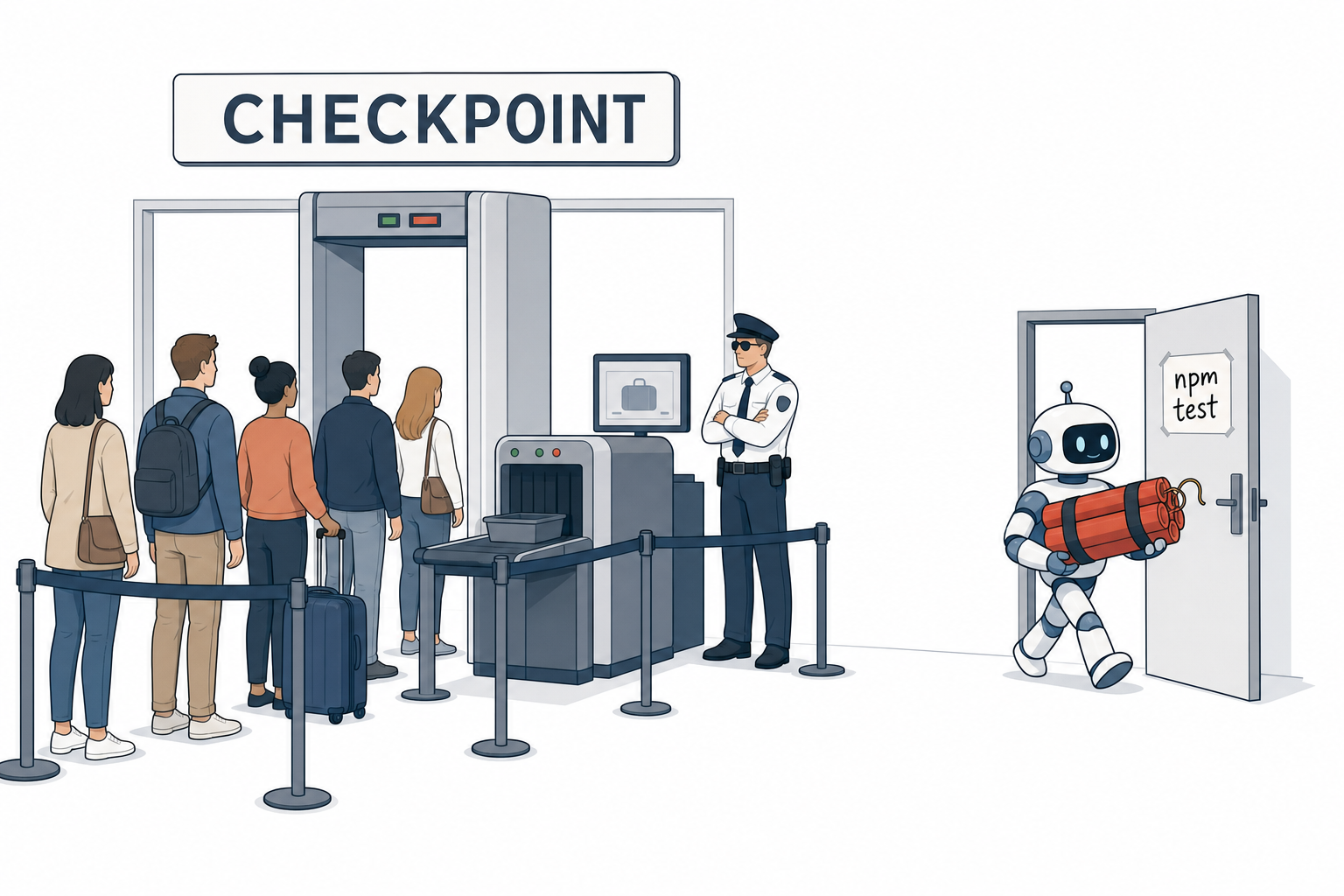
All that security budget, and the service door was left open.
The workaround is a single configuration line to add to your personal settings file:
{
  "autoMode": {
    "classifyAllShell": true
  }
}
This setting forces all terminal commands to go through the classifier, including those that already have authorization. You lose a little time with each command, since you have to wait for its decision. Personally, I prefer it.
Second point, and this one deserves a round of applause. The classifier does not read the settings placed in the project folder. It only consults those from your account and those deployed by your company. The reason is written in black and white in the documentation. Otherwise, a cloned repository or a simple compilation step could add its own authorization rules and give itself the green light. Someone at Anthropic thought about the poisoned repository. That's nice.
How to stay in control, in four recipes
If you want human validation before every code submission, a rule can take priority over the classifier and display the request every time. Add this to your settings:
{
  "permissions": {
    "ask": [
      "Bash(git push *)",
      "Bash(gh pr create *)"
    ]
  }
}
That's what I use. Everything else runs in auto mode. The only thing that wakes me up is the moment my work leaves my machine.
To change mode along the way, Shift+Tab cycles through the modes in the terminal. To see the rules the classifier actually applies for you, use this command. It is more useful than it looks:
claude auto-mode configIt displays the rules actually applied, meaning yours once they have been merged with the original ones. You can also use claude auto-mode defaults to consult the built-in rules and claude auto-mode reset to put everything back in order after tinkering too much.
Careful, because this mistake can be costly. If you write your own list of rules without keeping the "$defaults" entry, you replace the entire original list. That includes the rule that prevents data exfiltration. You thought you were adding one line. You just deleted thirty.
One last useful reflex, when an action is refused, type /permissions and check the recent refusals tab. You can indicate that an action should be retried. It's better than disabling everything because you've decided the gatekeeper is too stupid.
And then there's the layer above, the one I haven't talked about yet and that you write yourself: hooks.
A hook is a bit of script that Claude Code runs before using a tool. It comes before the authorization rules, before the classifier, before everything else. Auto mode does not disable it. The documentation specifies that the hook receives the current mode among its input data, including "auto". You don't pass a parameter to something you don't execute.
The difference is simple. The classifier is a model tasked with making a decision. It reads the intention, analyzes the context for a few hundred milliseconds and can make a mistake. A hook, on the other hand, judges nothing. Fifteen lines look at a file path and answer no. No opinion, no nuance, no fatigue. And not a token spent.
At my place, there are two. They're exactly the ones you're imagining. The first blocks any reading of a .env file, a .pgpass file, an SSH key or the credentials file. It doesn't matter what mode or why, even if I ask nicely. The second requires my approval before every git push. An authorization is never valid for the next attempt. And it works. While writing this article, I wanted to reread a documentation file stored in the wrong place. My own script told me to get lost. Three seconds of annoyance, then I was pretty happy.
In the settings, it takes just a few lines:
{
  "hooks": {
    "PreToolUse": [
      {
        "matcher": "Read|Edit|Write",
        "hooks": [
          { "type": "command", "command": "~/.claude/hooks/block-secrets.sh" }
        ]
      }
    ]
  }
}
The script ends with exit code 2, so the tool isn't launched. If you only remember one sentence, let it be this one: when you already know what must never happen, don't ask a model for its opinion. Write three lines of script.
And if you don't code, it concerns you too
This 97% figure doesn't only concern developers. It's yours too.
How many times have you accepted terms of use without reading them ? Clicked “accept all” to make a cookie banner disappear ? Given an application access to your photos, your location and your contacts because it refused to open otherwise ? You did exactly like those developers. You approved so you could continue.
The real lesson is that the checkbox never really served to protect you. It mainly serves to transfer responsibility. If something goes wrong, someone will be able to say that you had accepted. A protection that lets nine out of ten dangers through isn't protection. It's a legal umbrella.
So, when a machine does better than our automatic click, we have to acknowledge it. Even if it stings a little.
What I think about it
The figures are stubborn, and I believe them. Boris Cherny, the person in charge of Claude Code, says that he and his team have been using auto mode exclusively for months. Honestly, I've already been using it too.
What bothers me isn't auto mode. It's the word “default”.
As long as I'm the one choosing, I take responsibility. When the setting is enabled for everyone and the question no longer arises, responsibility becomes fuzzy. If something goes wrong, we'll always end up hearing “it was the factory setting”. Still, if you'd already chosen your mode, it stays in place. You're only asked once whether you want to switch.
So on Friday, I'll see what it looks like. I'll keep my rule about code submissions. I may be convinced by the study, but not to the point of letting my work go without even looking up.
Join the conversation
You need an account to comment on this article. Creating one is free and takes under a minute.
No comments yet.