Smart TV: how thousands of people remove ads from their TV with Claude Code?
You turn on the TV to watch a series, and before you even get to Netflix, the TV slaps a full-screen ad on you. On a device you paid several hundred euros for! That's what was happening at the parents' house of Gathin T., a developer, and on Saturday, October 17, he'd had enough. He gave the TV's model number to Claude Code, Anthropic's programming assistant, and here's his summary on X: the agent “found the TV on the Wi-Fi, removed 25 Xiaomi applications and wrote a new home screen”. Two days later, thousands of people were doing the same thing at home.
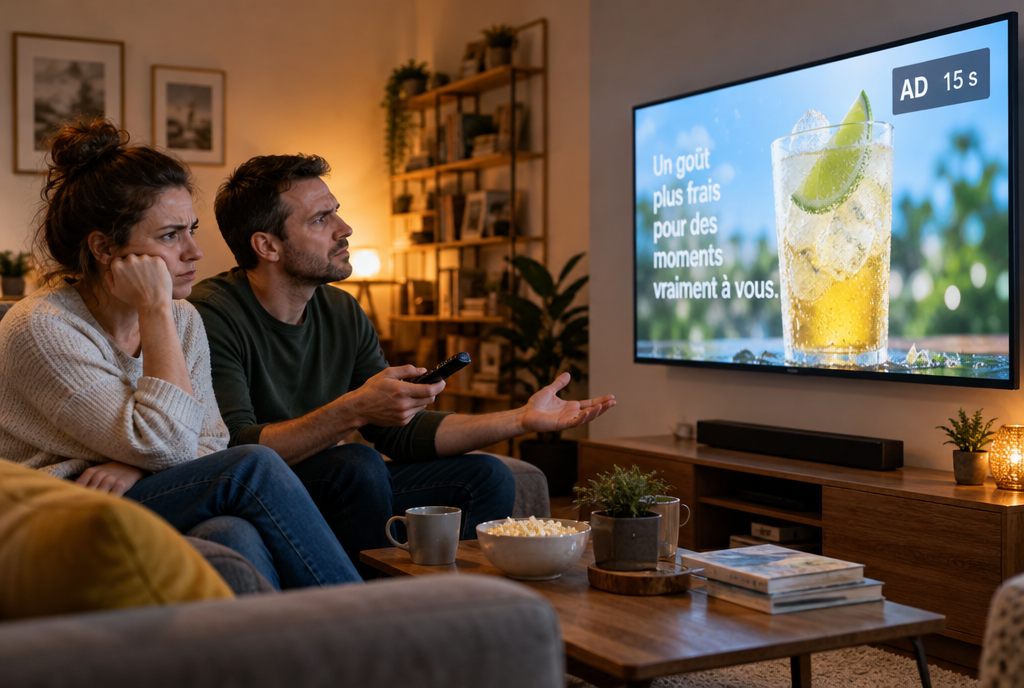
Fifteen seconds of soda before your series, on a TV you paid for
His project is called cleanyourtv, it's free, and this Wednesday, October 21, it passed 11,000 stars on GitHub (the site where developers share their code, a star is a bit like a “like”). TechCrunch summed up the movement with a line I love: people are using AI to make their smart TV dumb again.
Why your TV shows you ads, and watches you
A connected TV isn't just a screen anymore. It's a small computer running Android (the same system as on most phones), with a home screen that the manufacturer fills however it likes: “recommended” rows that are often paid-for slots, trailers that start by themselves, apps you never asked for.
And there's something more discreet. A lot of TVs use ACR, automatic content recognition: regularly, the TV takes a kind of fingerprint of the image or sound, and sends it off to find out what you're watching. Even what comes through the HDMI cable, your console, your set-top box, your Blu-ray player. It's used to profile you for advertising, and it's part of the business model: the TV is sold more cheaply because you keep bringing in money after the purchase.
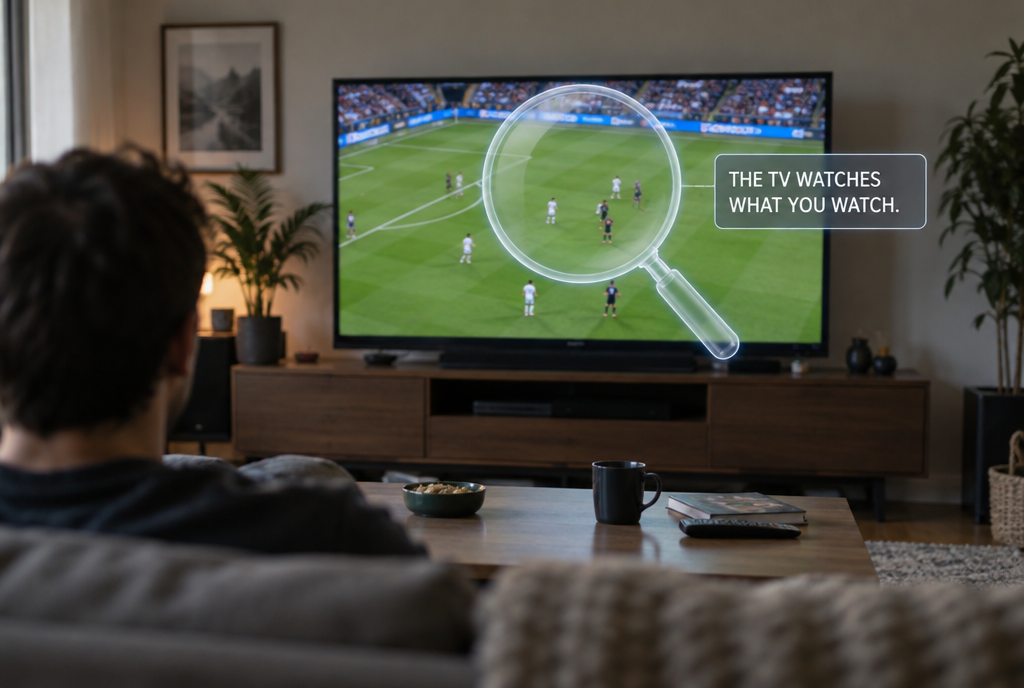
ACR: while you're watching the match, the TV notes which match
We know ad blockers on browsers, and this summer I told you how Google cut them back in Chrome. On a TV, there has never been a simple equivalent. This is where AI changes things.
What the agent does, concretely
All Android TVs hide a service door for developers: debugging. Once it's enabled in the settings, a computer on the same Wi-Fi can send commands to the TV. It's been around for years, but you had to know which commands to type, and a Sony TV doesn't have the same apps as a Xiaomi or a TCL. So it took hours of research on forums, model by model. In short, a hobbyist thing.
With an agent like Claude Code, you give it your TV's model number and it does the research for you. It connects, lists what's running inside it, asks you what you actually watch (Netflix, YouTube, your console), then disables the rest: ads, tracking, sponsored rows, sometimes the update service. To finish, it installs a very simple home screen, with just your apps. Allow a quarter of an hour, according to the project.
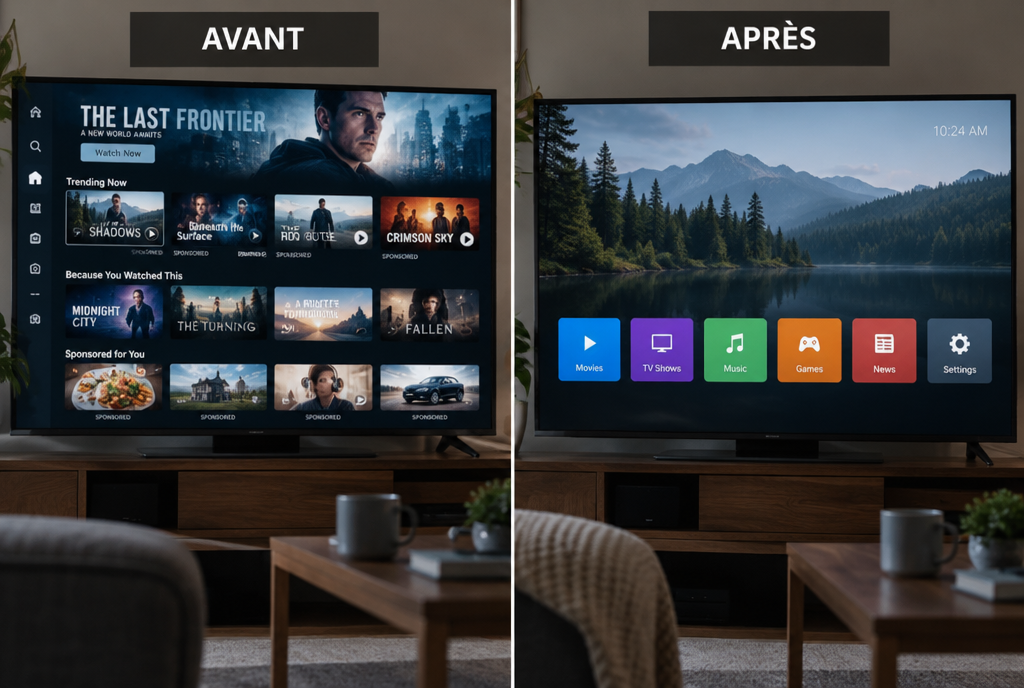
On the left, the screen they're selling you, on the right, the one you wanted
The detail that matters: nothing is deleted. The apps are only disabled, and cleanyourtv keeps a list of what it touched so it can put everything back the way it was. A factory reset wipes everything too. And you can feel the difference: Mihir Gupta, one of the users quoted by TechCrunch, replaced the original home screen, 192 megabytes, with a homemade 83-megabyte screen. Less than half! Another one, Ryan Doyle, showed his TV finally navigating without lagging, with this comment: “Claude removed all the crap that made it lag out of the box”.
Does it work on your TV?
If it runs Android TV or Google TV, there’s a good chance. The project page lists, as of October 21, 123 models from 42 brands, and the ones with the most tests are TCL, Sony, Xiaomi, Philips and Hisense. A second project, dumbtv, goes further on Amazon’s Fire TV sticks: around 65 programs disabled according to its own documentation, including viewing fingerprinting and ad tracking, plus a filter that cuts off telemetry addresses.
But if you have a Samsung or an LG, move along: they run on their own systems, which are much more closed, and these tools can’t get into them. Same thing for Roku and for Philips models that don’t run Android. On a Fire TV stick, the ads are removed, but Amazon refuses to let another home screen take over.
But there’s one thing everyone can do tonight, Samsung and LG included, without AI and without breaking anything: turn off viewing fingerprinting in the settings. It’s almost always enabled out of the box, and you accept it without knowing it when you approve the terms during installation. The name changes from one brand to another: on Samsung, look for “Viewing Information Services”, on LG “Live Plus”, on Sony “Samba Interactive TV”. On the others, dig around in the privacy section, looking for anything that talks about “content” or “viewing”. Two minutes, and your TV stops telling the story of your evening.
The precautions, because there are some
First, it can go wrong. TechCrunch reports that one user turned his TV into a brick (a TV that no longer starts) with Claude, and that another got stuck halfway through on a Fire TV. Both projects have a list of things never to touch, precisely for that reason. Don’t launch this on the night of the final.
Next, Claude sometimes refuses the bare request “hack my TV”. You have to explain to it that it’s your TV, at your place, and what you want to do with it. I’ve already told here how ChatGPT let me down when it was time to wire a switch : the safeguards of these AIs don’t always know the difference between the owner and the burglar.
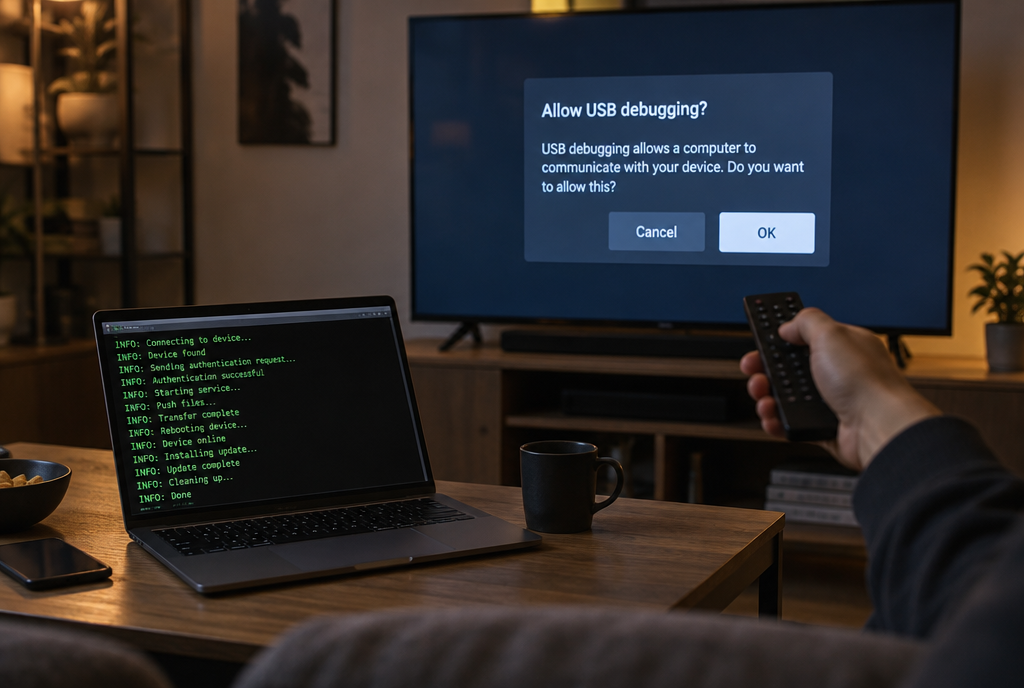
The only moment when the TV asks for your opinion
And the point that almost nobody mentions, even though the project spells it out in black and white: as long as network debugging is turned on, the service door stays open, and on some TVs any device on the Wi-Fi can connect to it without asking anything. Your son’s friend’s phone, the 8-euro Chinese smart light bulb... Once the cleanup is done, you go back into the settings and turn off debugging. Last point: most lists also disable automatic updates, so you won’t receive the manufacturer’s fixes until you turn them back on.
If all this seems like too much, replacement home screens have been available for a long time to install from the Play Store, without an agent or debugging: Projectivy Launcher, FLauncher or ATV Launcher. They don’t remove tracking, but they make a good part of the home screen ads disappear.
If you’re a developer
cleanyourtv provides a PROMPT.md file to paste into Claude Code, Codex or Gemini CLI. If you prefer to drive things yourself, there are scripts too. Turn on network debugging on the TV, replace the address with your TV’s address, and the core fits in three lines:
export TV_HOST=192.168.1.50
tools/venv/bin/python -I tools/tv.py --probe
tools/disable.sh examples/xiaomi-mi-tv-4a/debloat.txt
And the way back, with the same list:
tools/restore.sh examples/xiaomi-mi-tv-4a/debloat.txtOne line to put everything back the way it was, that's more than your TV has ever offered you after an update! Last bit of advice from the project itself: network debugging is unencrypted on port 5555, check that it's properly closed at the end.
My opinion
What I like about this whole thing is that for once AI isn't being used to push one more ad, it's being used to give the owner back what he bought. A screen. His apps. And nothing spying on him while he watches a match! Two years ago, you had to be a tinkerer to do that, today all you need to know is how to explain to an agent what you want, and I think that's really nice.
So, gentlemen manufacturers, if your customers are ready to open a service door on your TV to get some peace, maybe there was a little too much advertising in it!
Sources
- TechCrunch, October 19, 2026: people are using AI to make their smart TVs dumb again
- cleanyourtv on GitHub: Gathin T.'s project, its list of compatible TVs and its warnings
- dumbtv on GitHub: Muzzammil Yasin Sabuwala's project for Fire TV and Android TV
- FlatpanelsHD: people are using AI to clean up their TV's home screen
Article written with the help of Claude Code, reread and corrected by me.
Join the conversation
You need an account to comment on this article. Creating one is free and takes under a minute.
No comments yet.