Mac: how to recover the 12 GB Apple Intelligence occupies on macOS 27?
Do you have a Mac with a small 256 GB drive and macOS 27? Then there’s a good chance that 12 GB of your drive is occupied by Apple Intelligence, Apple’s AI, even if you never use it. And since macOS 27, there’s no longer a general switch to turn it off and get the space back. A developer, Om Lahore, has released a small free tool that does exactly that: RemoveMacAI. It was spotted on October 5 by Cult of Mac, and frankly, it’s a really nice idea!
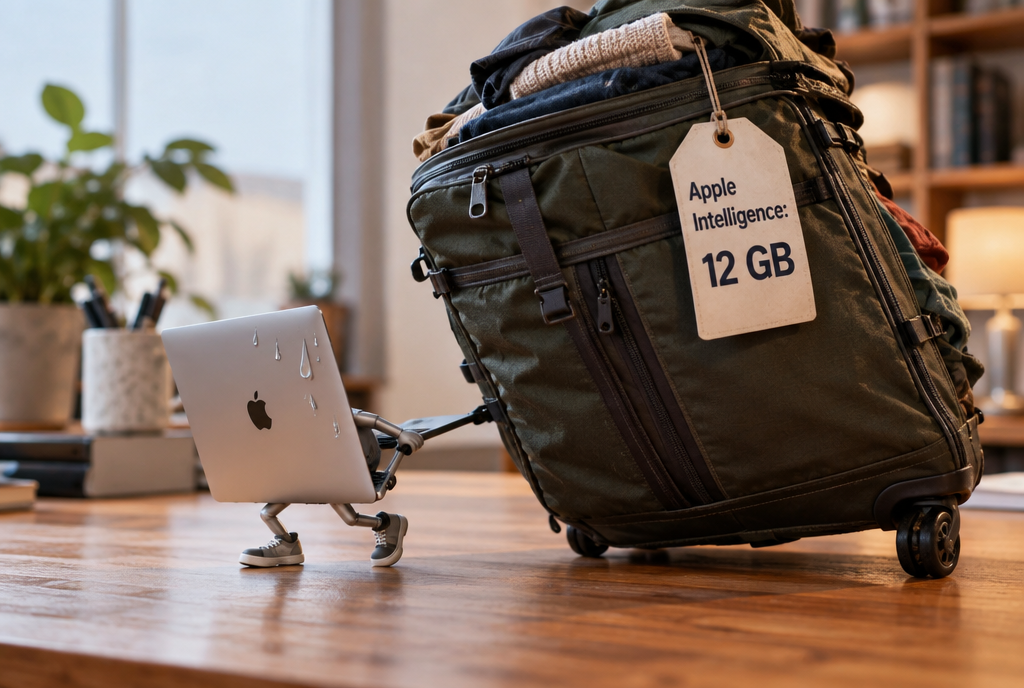
Twelve gigs of luggage for a trip you never booked
Why we’ve ended up here
Up to macOS 26, you had a button in the settings to turn off Apple Intelligence all at once. With macOS 27, Apple removed it. You can still disable the features one by one, but the AI models, those large files that the computer downloads to run the AI directly on your Mac, stay on your drive. The developer says there are 12 GB to recover, which matches Apple’s figures, and some users quoted by Cult of Mac even say they’re seeing more than 30 GB. On a 256 GB Mac, 12 GB is almost one twentieth of the drive for features that plenty of people have never even opened!
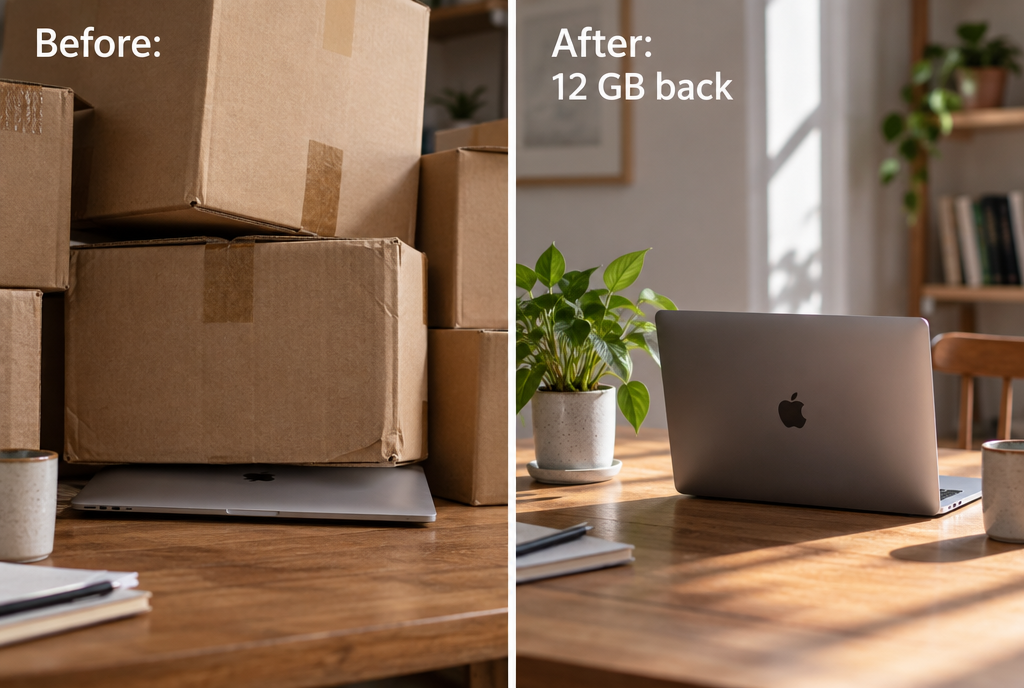
Twelve gigs is roughly three thousand 4 MB iPhone photos each
How it works
RemoveMacAI is used in a Terminal, the application where you type commands instead of clicking, and I know that for a lot of people the Terminal is the dark basement you never go down into, but don’t worry, here there are four commands to know, not one more. The cleanest installation goes through Homebrew, the software manager that most slightly tinkering Mac users already have:
brew install omlahore/tap/removemacaiNext, you always start by looking, then you do a dry run, and only after that do you turn it off for real:
removemacai status
removemacai off --dry-run
removemacai off
The first shows you each feature and the space the models take up, the second, with --dry-run, does a dress rehearsal and tells you what would be changed without touching anything, and the third does the job for real. And if you want to keep one or two features, for example the tool that erases a passerby from a photo, there’s a --keep option that spares them.
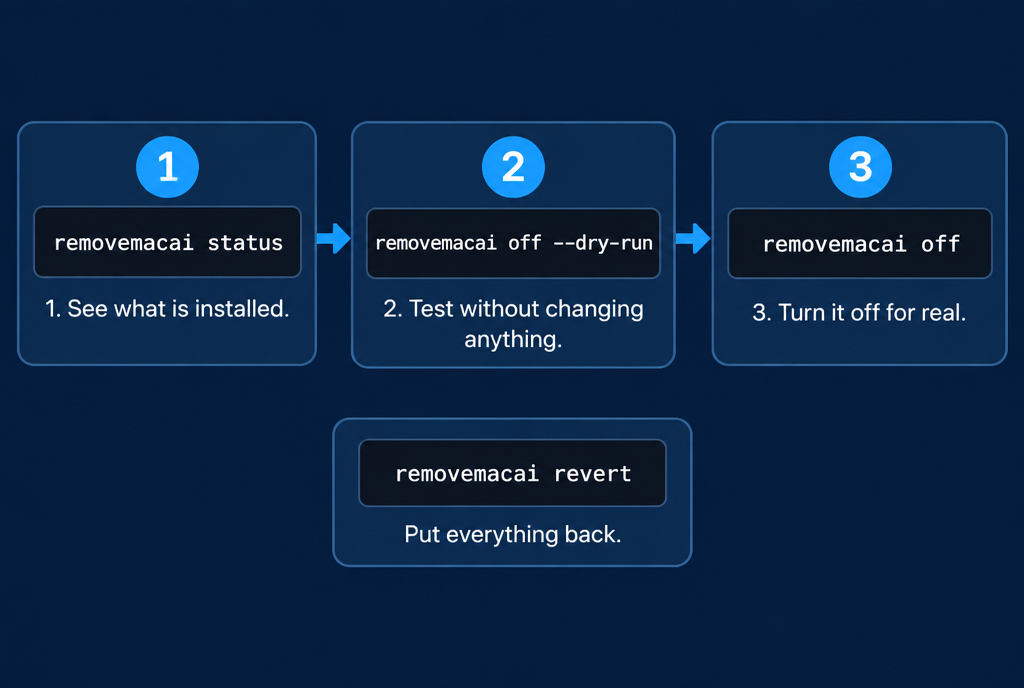
Look, test without changing anything, turn it off. And the way back is always there
Under the hood, the tool doesn't tinker with the system. It installs a "configuration profile", a small settings file that companies use to manage their employees' Macs, and you're the one who approves it in System Settings. It then asks macOS to delete the models, and prevents them from being downloaded again. Apple's system protection remains enabled, nothing is modified in the system folders. To put everything back as before:
removemacai revertThe profile disappears, the settings come back, and macOS downloads the models again when a feature needs them.
What you lose
And here, you have to be honest: you don't just lose a gimmick. The list is long. Siri, including "Hey Siri". Writing tools that rephrase your texts, Genmoji, Image Playground, the ChatGPT extension, summaries of emails and notifications, suggested replies in Mail, text prediction, photo cleanup, and even code completion in Xcode for developers.

Siri is packing her bags. Some will cry, others will open the champagne
If you talk to your Mac every day, don't touch it. If you didn't even know that half of these features existed, and that's the case for a lot of people, you won't notice any difference, apart from the space you've got back.
My reservations
First thing: it's a stranger's tool on GitHub, not an Apple product. The code is public and under an MIT license, a free software license, so everyone can read it, but it remains a program that touches your Mac's settings. The project page also suggests installing the tool with a single line that downloads a small program and launches it straight away, without you seeing it. It's convenient, the tool checks along the way that the file hasn't been modified in transit, but it's a bit like letting the plumber in without looking through the peephole: most of the time, it really is the plumber. I go through Homebrew.
Second thing: it relies on internal settings that Apple officially shelved starting with macOS 26.4. They still work in 27.0.1, but the next update could very well remove them, and the tool with them. And the space savings don't always appear right away in the settings, macOS cleans things up at its own pace. Nothing serious, but you have to know this so you don't think it didn't work.
My opinion
Two days after talking about the full disk access that AI agents are after, I like that you can at least choose not to have any AI at all on your machine. Apple could have left its switch, that would have saved a developer from having to rebuild it with his own hands. On a 256 GB Mac, I would do it without hesitation, starting with --dry-run. On a 2 TB Mac, I wouldn't even bother.
And dear Apple, put the switch back in macOS 28, that will mean one less tool to install and twelve more gigabytes for our cat photos!
Sources
- GitHub: RemoveMacAI, Om Lahore, MIT license
- Cult of Mac, October 5, 2026: a new tool removes Apple Intelligence from macOS 27
- GBHackers: RemoveMacAI removes Apple's Apple Intelligence models
Article written with the help of Claude Code, reread and corrected by me.
Join the conversation
You need an account to comment on this article. Creating one is free and takes under a minute.
No comments yet.